Hybrid pricing can make your Stripe bill rise faster than your top-line revenue. A base fee, a seat charge, and a usage charge each create their own payment event, and every event can carry its own cost.
That matters because Stripe fees are not just a percentage. Fixed charges, international cards, billing add-ons, and chargebacks all change the math. If your pricing model creates more, smaller transactions, your payment costs climb even when revenue looks healthy.
The result is simple: the headline rate on your Stripe dashboard often hides the real expense. The sections below show where that extra cost comes from, and what you can change.
Why hybrid pricing changes the math
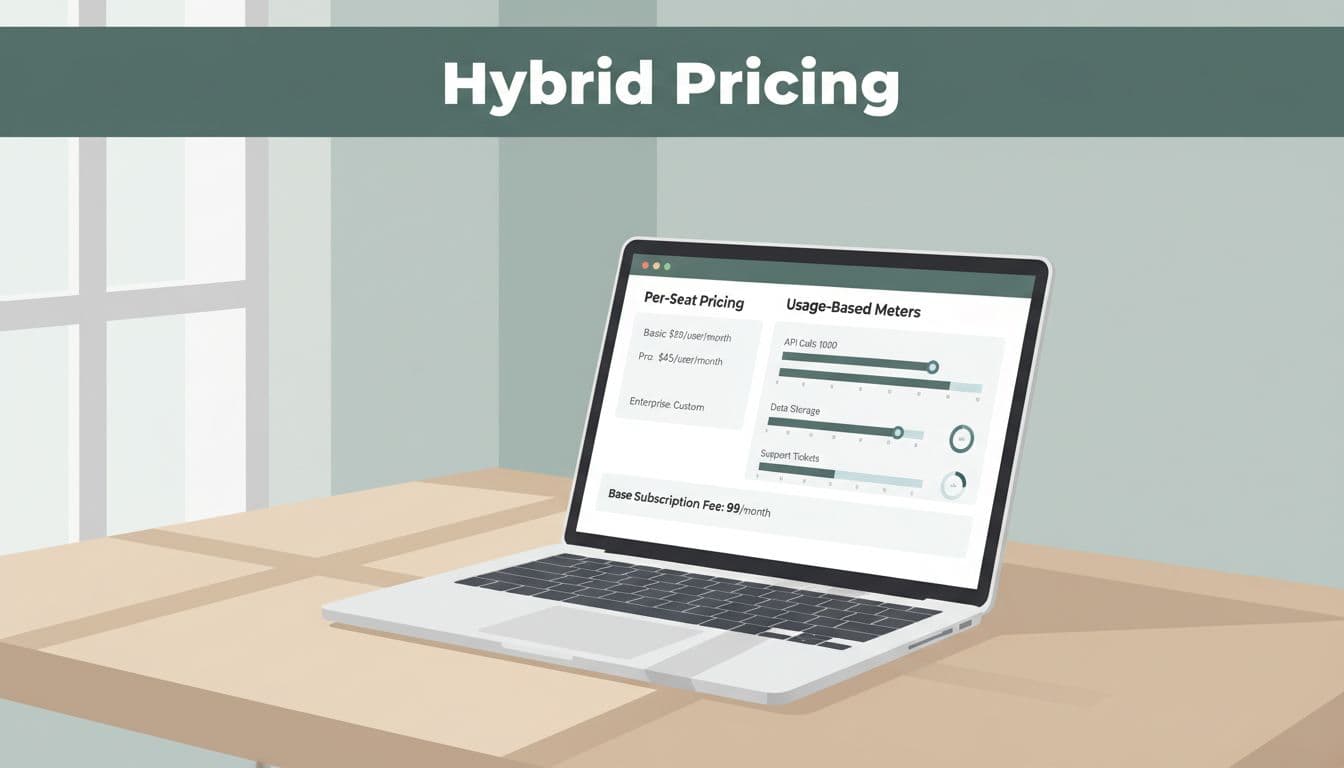
Hybrid pricing mixes two or more billing methods. A SaaS company might charge a base subscription, add per-seat fees, and then bill usage on top. That setup is useful for sales, but it also changes how often Stripe gets paid.
Each charge can trigger a new processing fee. So the same customer may cost more to collect from than a simple flat-rate plan. If you bill monthly, add usage mid-cycle, or split invoices across products, the number of transactions grows fast.
That is why hybrid pricing Stripe fees are tied to billing design as much as to payment rates. The more often you charge, the more often the fixed part of Stripe's fee appears.
Here is a quick Stripe fee breakdown for common items that can hit SaaS accounts in 2026:
| Fee item | Typical charge | Why it matters |
|---|---|---|
| US card payment | 2.9% + $0.30 | Baseline cost for most SaaS charges |
| International card payment | 4.4% + $0.30 | Cross-border customers cost more |
| Stripe Billing | 0.7% extra | Adds on top of card fees for subscriptions |
| ACH | 0.8%, up to $5 | Much cheaper for larger invoices |
| Chargebacks | $15 each | Disputes are expensive even at low volume |
Those add-ons shape SaaS payment processing costs more than the card rate alone. If your model creates lots of small invoices, the fixed $0.30 charge becomes hard to ignore.
If you want to see how those charges get split across customer types, how FeeTrace analyzes Stripe transactions shows the process in plain terms.
Why small payments hurt more than big ones
A hybrid model can look efficient on paper and still be expensive in practice. The reason is the fixed fee. On a $5 add-on, $0.30 is a big slice. On a $500 invoice, it barely matters.
Stripe processing fees SaaS founders pay are shaped by ticket size and billing cadence. If you charge per seat and then bill usage separately, you may be creating a lot of low-value transactions. Those charges stack up like small leaks in a pipe. One leak is fine. Ten leaks are not.
A simple comparison makes the pattern clearer:
| Billing pattern | What Stripe sees | Fee effect |
|---|---|---|
| Monthly base fee + seat charge | Two charges per customer | Two fixed fees |
| Small usage add-on | Many tiny charges | Fixed fee eats margin |
| Annual prepaid plan | One larger charge | Lower fee count |
| Mid-cycle upgrades | Extra invoice events | More processing events |
The takeaway is straightforward. The same revenue can cost less when it arrives in fewer, larger payments.
A Stripe fee calculator can show a rough estimate, but it usually misses this fixed-fee drag. It gives you the shape of the cost, not the full picture.
What a Stripe fee breakdown should show
If you only look at total revenue and total fees, you miss the bad segments. A better view separates transactions by size, payment method, geography, currency, and product line. That is where the real loss usually sits.
For SaaS teams, a clean breakdown often reveals one of three patterns. Small self-serve plans cost too much to collect. International cards carry a higher rate. Or one product line uses a payment mix that looks cheap until disputes and refunds are added.
That is why detailed segmenting matters more than a blended average. FeeTrace features for Stripe fee analysis focus on the parts of the payment stack that push the effective rate up.
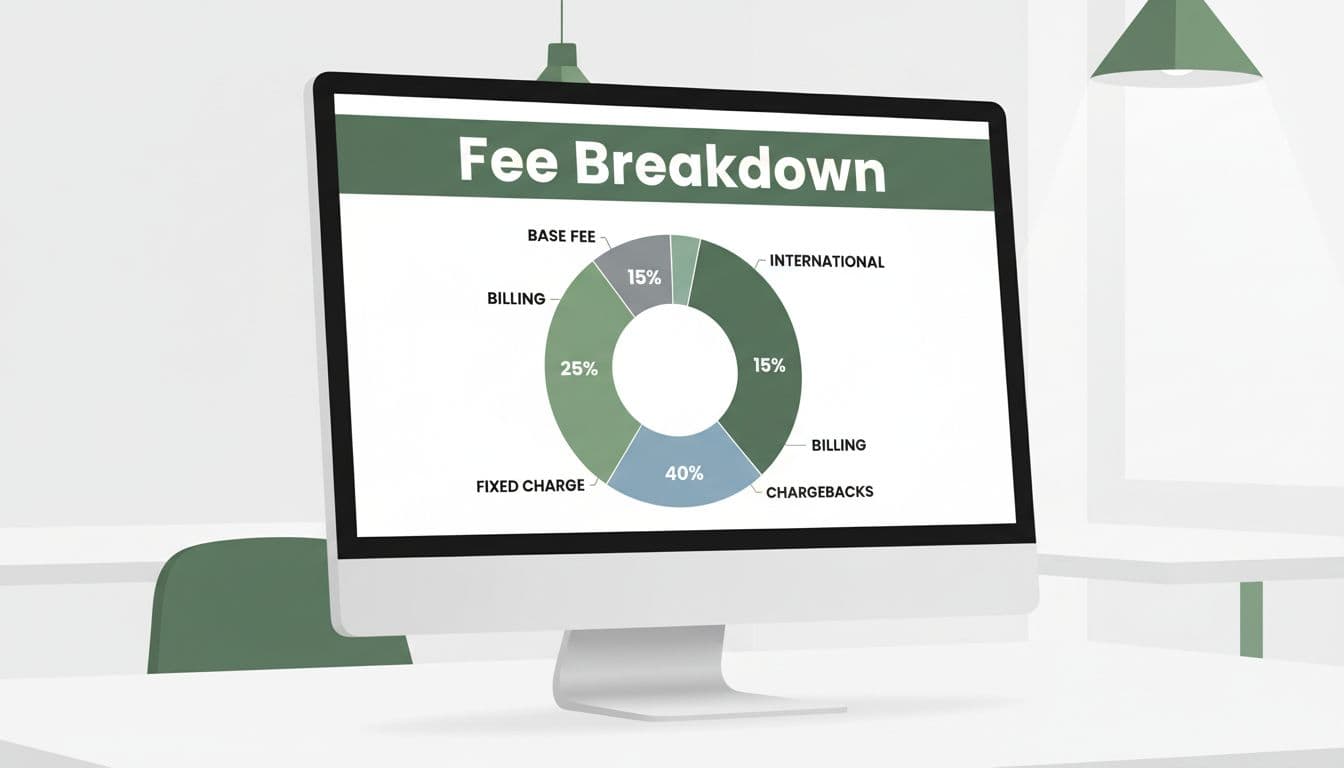
A good breakdown also helps you track change over time. Maybe your effective rate rose after a product launch. Maybe a new market has more international cards. Maybe one plan has too many refunds. Once you see the segment, you can act on it.
That is the point of a real Stripe fee breakdown. It moves the conversation from "What did we pay?" to "Where did we overpay, and why?"
How to reduce Stripe fees without changing your product
The fastest way to lower costs is often to change billing behavior, not your product itself. Small process changes can cut charges without forcing a pricing overhaul.
Start with the moves that usually matter most:
- Encourage annual billing: One payment beats twelve monthly charges. The fixed fee hits less often, and cash comes in earlier.
- Use ACH for larger invoices: ACH is much cheaper than cards for bigger amounts, so it works well for higher-value customers.
- Set a sensible minimum: Very small plans can get crushed by fixed charges, so make sure the margin still works.
- Cut disputes and refunds: Every chargeback adds cost, and support mistakes can turn into payment losses fast.
Those changes often lower the most visible part of your bill, but they also improve the hidden parts. Fewer transactions mean fewer chances for fee leakage.

If you want a deeper look at what your savings could be, ROI from FeeTrace Stripe savings makes it easier to see whether the math works for your volume.
There is no single fix for how to reduce Stripe fees. The best answer depends on whether your pain comes from small invoices, international volume, or billing churn. Still, the rule is the same. Lower the number of charges, and the fee drag usually falls.
Stripe vs PayPal fees for hybrid SaaS billing
The Stripe vs PayPal fees debate gets messy because the cheapest option depends on your mix. For a simple domestic card payment, the difference may not be huge. Once you add international customers, larger invoices, or recurring billing, the gap can widen.
Current example pricing shows why context matters. At $50,000 in monthly volume with many international customers, Stripe came in around $1,850 a month in one model, while PayPal was about $2,400. That gap is large enough to change your margin math.
A Stripe fee calculator can help you estimate costs, but it still won't tell you how hybrid billing changes the result. It won't show whether your per-seat charges are too small, or whether your usage charges are creating too many payment events.
For SaaS founders, the better question is not "Which processor is cheapest?" It is "Which processor fits my billing model with the least friction?" Sometimes that is Stripe. Sometimes it is a mix of methods. Either way, your own payment data matters more than a generic comparison.
If you want more examples of billing patterns and cost tradeoffs, the FeeTrace blog is a useful place to keep reading.
Conclusion
Hybrid pricing does not make Stripe expensive by default. It makes the cost easier to miss. Once your billing model creates more charges, the fixed fee, add-on fees, and international rates start to matter much more.
The best next step is to look past the blended average and focus on the effective rate by segment. That is where the real savings hide.
If you want a quick starting point, Analyze My Fees and see where your charges are building up.