Multi-currency pricing can raise revenue and raise fees at the same time. That second part is where many SaaS teams get caught off guard.
A customer paying in euros, pounds, or yen may trigger a different stack of Stripe fees than a domestic cardholder. Add subscriptions, refunds, and currency conversion, and your margin can shrink faster than the headline rate suggests.
The good news is that the cost drivers are visible once you break them apart. The sections below show where the money goes and what you can do about it.
What changes when you bill in more than one currency
Stripe multi-currency pricing looks simple on the surface. You show a local price, the customer pays, and your account gets funded. In practice, the charge can include several layers.
The first layer is the base card rate. The second is often an international card fee when the card was issued outside your Stripe account country. The third is currency conversion, which shows up when Stripe has to move money between currencies. For SaaS, that stack matters because the same charge repeats every month.
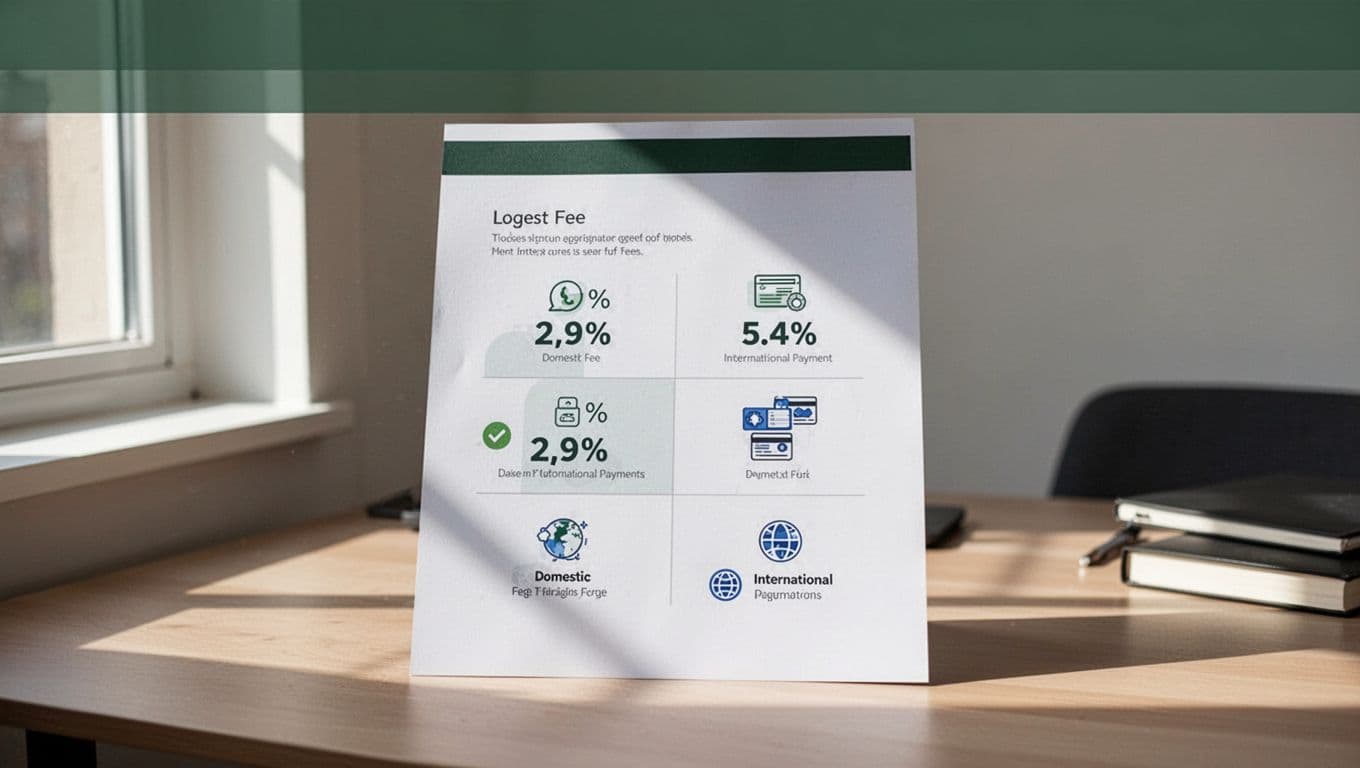
As of May 2026, Stripe's U.S. public pricing still lists 2.9% + $0.30 for online domestic cards, with extra cost added for international cards and currency conversion. You can review the current details on Stripe's public pricing page, and Stripe's multiple-currency docs explain how local presentment can help customers pay in their own currency.
| Charge path | What usually happens | Why it matters |
|---|---|---|
| Domestic card, same currency | Base card fee only | Lowest common cost |
| International card, same currency | Base fee plus cross-border fee | Effective rate goes up |
| International card, converted currency | Base fee plus cross-border fee plus FX fee | Highest cost path |
The main takeaway is simple. The currency itself does not create the problem. The fee layers that come with it do.

Why SaaS margins feel the hit faster
SaaS businesses feel Stripe processing fees SaaS-wide because the same customer pays over and over. A single extra percent may look harmless on one invoice, then become expensive across twelve renewals, retries, and refunds.
That pressure gets worse when your customer base is spread across regions. One market may pay in the same currency as your Stripe account, while another market triggers international card charges and FX conversion. The blended average can look fine, yet one geography may be dragging your gross margin down.
Recurring billing adds another twist. A failed payment retry, a card update, or a prorated invoice can all create extra processing cost. If you also use subscription features, invoicing, or manual card entry, the real cost can drift higher than the base rate you expected.
A deeper FeeTrace features for Stripe fee breakdowns view helps you see where that drag comes from. Instead of staring at a blended average, you can separate fees by transaction size, payment method, geography, and product line.
A Stripe fee breakdown for a global subscription
A simple example makes the pattern easier to see. Picture a $100 monthly plan.
If the customer pays from the same country as your Stripe account, the charge may land near the normal domestic rate. If the customer pays with an international card, Stripe adds more. If the payment also needs currency conversion, the total grows again.
Here is a plain example using common U.S. public pricing assumptions.
| Scenario | Approximate fee on a $100 charge | What changes |
|---|---|---|
| Domestic card, same currency | $3.20 | Base fee only |
| International card, same currency | $4.70 | Adds cross-border cost |
| International card, converted currency | $5.70 | Adds FX conversion too |
That is why a Stripe fee calculator matters. The headline rate tells you very little if your actual mix includes Europe, the UK, or other non-domestic markets. A Stripe fee calculator is useful, but only if you plug in the same currencies and payment methods your SaaS really sees.
This is also where a true audit helps. The workflow behind How FeeTrace computes Stripe effective rates shows why blended averages can hide one market, one payment method, or one product tier that is more expensive than the rest.
The point is not that every international subscriber is bad. The point is that your fee model should reflect actual usage, not a single average number.
How to reduce Stripe fees without hurting conversion
The best savings usually come from matching payment method to customer region. That is where how to reduce Stripe fees becomes a practical question, not a guessing game.
Here are the moves that tend to matter most:
- Bill in the customer's local currency when the market is stable and the price is familiar. This can cut conversion cost and make checkout feel easier.
- Offer local payment methods where they are common. In Europe, bank debit and local methods can reduce dependence on international cards.
- Use bank transfer or ACH for larger B2B payments when the customer is willing. Lower per-transaction cost matters more on bigger invoices.
- Watch retries, refunds, and disputes. They do not just hurt cash flow, they also add processing cost.
- Review your mix by geography and product before changing prices. A small adjustment in one market may save more than a broad price increase.
The cheapest payment setup is the one that lowers fees without making checkout harder.
If you want a faster read on where the savings are, Analyze My Fees can show the real cost by currency, geography, and product. Because FeeTrace pricing is tied to volume, FeeTrace pricing based on Stripe volume is easy to compare against the savings you expect.
That matters because SaaS payment processing costs are rarely about one huge mistake. They usually come from a series of small leaks.

Stripe vs PayPal fees for multi-currency SaaS
Stripe vs PayPal fees is a useful comparison because the headline numbers can hide the real cost. PayPal can look close on a domestic card, but international currency conversion often changes the picture.
A recent comparison of Stripe vs PayPal fees 2026 shows the same pattern many SaaS teams see in practice. Stripe often has the cleaner cost structure for recurring global billing, while PayPal can add a larger exchange-rate markup. For a SaaS business with a lot of non-domestic subscribers, that difference shows up in the monthly close.
Stripe also keeps its pricing and currency details public, which makes planning easier. When you know where the fee layers sit, you can compare processor costs against your own pricing and market mix instead of guessing.
For multi-currency SaaS, the real comparison is total landed cost, not the sticker price.
If your business runs subscriptions, local currency support, and international cards, Stripe often leaves more margin in the business. That does not mean PayPal is wrong for every case. It means the cheaper option depends on customer geography, payment method, and currency conversion.
Conclusion
Multi-currency pricing can help SaaS teams sell more easily across borders, but it also changes the fee stack. Once international card charges and FX conversion enter the picture, a simple subscription can cost more than the headline rate suggests.
The smartest move is to measure the real mix, not the average. When you know your exact Stripe fee breakdown, you can change currencies, payment methods, or pricing with more confidence and fewer surprises.