You run a SaaS business on Stripe. A customer upgrades mid-month. That quick change feels good for revenue. But it also hits your Stripe fees harder than you think.
Proration splits bills for partial periods. It sounds fair. Yet it creates small invoices that rack up processing costs. Your effective rate climbs because fixed fees like 30 cents per transaction add up fast on tiny amounts.
This post breaks down Stripe proration fees. You'll see exactly how they work. Then learn ways to cut those SaaS payment processing costs.
What Proration Means for Stripe Subscriptions
Proration adjusts subscription bills when plans change mid-cycle. Customers pay only for time used. Stripe handles this automatically by default.
Say your monthly plan costs $100. A user switches to $200 on day 15 of a 30-day cycle. Stripe credits $50 for the old plan's unused half. It charges $100 for the new plan's remaining half. Net result: a $50 invoice now.
Downgrades work the same way. Credits apply to the next bill. Stripe calculates to the second based on billing dates. For details, check Stripe's proration documentation.
This keeps billing accurate. But those partial invoices trigger full Stripe processing fees SaaS teams dread. A 2.9% plus 30-cent fee on $50 feels steep at 0.87% effective rate. Scale that across users, and costs grow.
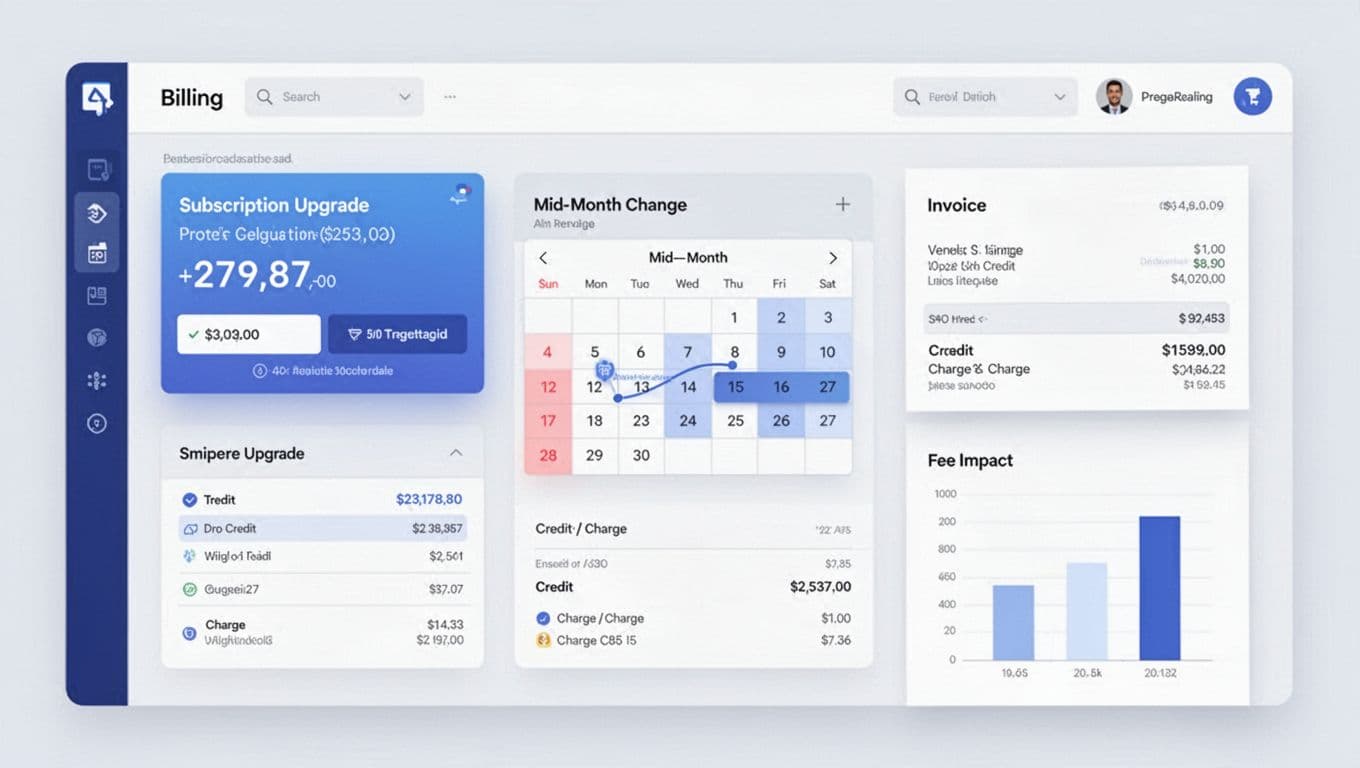
Tools like AI-powered Stripe fee breakdowns spot these patterns in your data. They show proration's share of total fees.
How Proration Triggers Extra Stripe Fees
Every prorated adjustment creates an invoice. Stripe charges its standard rate on that amount. Small invoices mean fixed fees dominate.
Standard Stripe fees run 2.9% plus 30 cents for domestic cards. A full $100 invoice costs $3.20 total. Effective rate: 3.2%. Now prorate to $50. Fees drop to $1.75. Effective rate jumps to 3.5%.
High upgrade volume worsens this. Frequent changes mean more mini-invoices. Your blended Stripe fee breakdown rises. In April 2026, no changes to this structure. Prorations still build on base processing rates.
| Invoice Amount | Processing Fee (2.9% + $0.30) | Effective Rate |
|---|---|---|
| $100 (full) | $3.20 | 3.2% |
| $50 (prorated) | $1.75 | 3.5% |
| $10 (tiny) | $0.59 | 5.9% |
As shown, tiny prorations hurt most. They pull your average up. Use a Stripe fee calculator to test your scenarios. But real data beats estimates.
Churn adds pain too. Cancellations mid-cycle credit unused time. Those credits offset future bills. Yet the original invoice already paid full fees upfront.
Your Stripe Proration Fee Breakdown
Break down a real example. Customer pays $120 yearly, or $10 monthly. Upgrades to $20 plan on day 10. Proration: credit $6.67 old plan, charge $13.33 new. Net invoice: $6.66.
Fees: 2.9% of $6.66 is $0.19, plus 30 cents. Total: $0.49. That's 7.4% effective. Compare to full month at 3.2%.
Multiple changes compound. Trial ends early? Another proration. Add-ons? More lines, same fees.
Here's a sample monthly breakdown for a 100-upgrade SaaS:
| Fee Type | Count | Total Fees |
|---|---|---|
| Full Invoices | 900 | $2,880 |
| Prorated Invoices | 100 | $490 |
| Blended Total | 1,000 | $3,370 |
Prorations add 14% to costs. Track with dashboards that slice by event type.
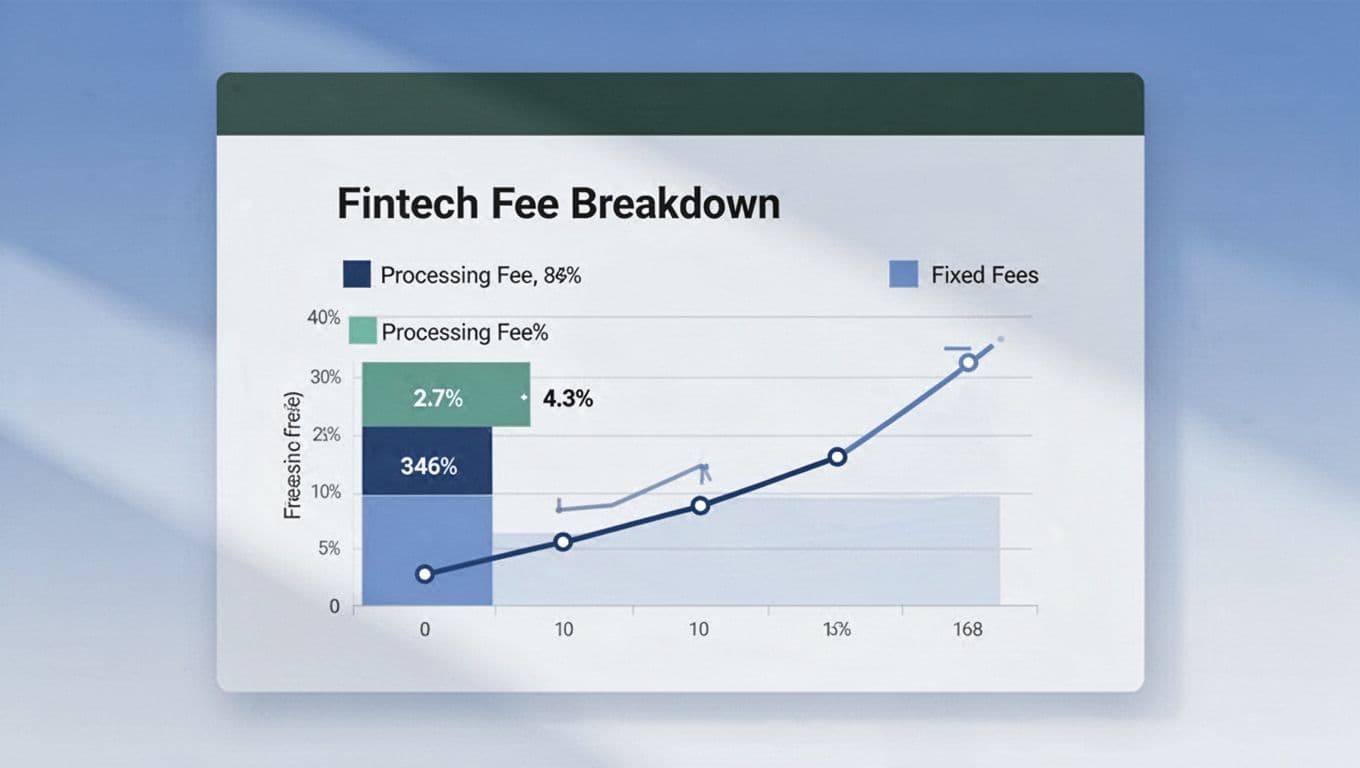
See how Stripe fee analysis processes reveal this. Connect once, get breakdowns by change type.
Stripe vs PayPal Fees on Prorations
Stripe vs PayPal fees differ on small volumes. PayPal charges 2.99% plus 49 cents standard. A $50 proration costs $2.00. Effective: 4%. Stripe wins at 3.5%.
PayPal skips proration fees sometimes. But its higher fixed fee bites harder on minis. Stripe integrates better for SaaS subscriptions. PayPal lags on API previews.
Switching? Factor SaaS payment processing costs. Stripe's ecosystem fits most. Still, test both with your volume.
How to Reduce Stripe Fees from Proration
Control proration behavior via API. Set proration_behavior to none. Changes take effect next cycle. No mid-month invoices.
Options:
create_prorations: Default. Creates adjustments.always_invoice: Bills immediately.none: Simplest fix. Defers to full period.
Time changes to cycle starts. Email reminders before billing dates. Batch upgrades.
Use previews first. API endpoint shows fee impact before commit.
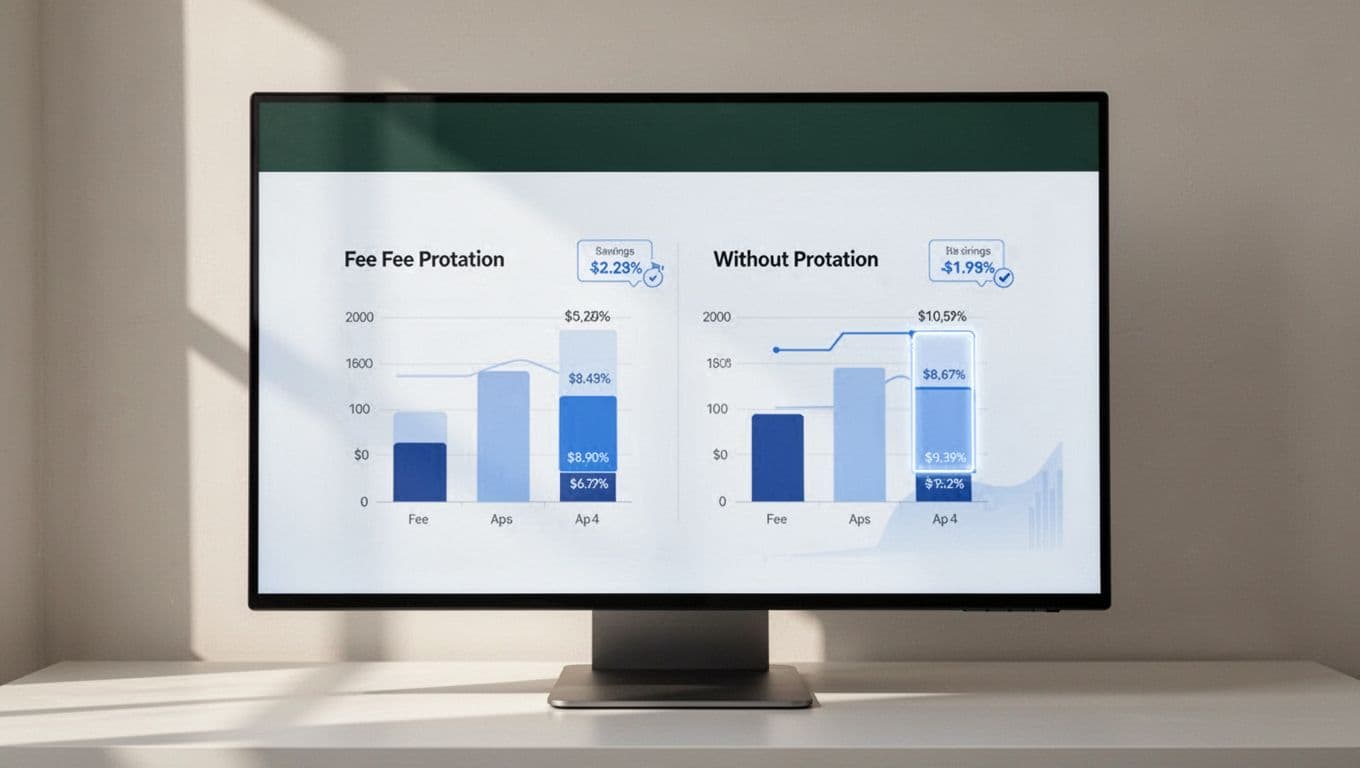
For ongoing wins, analyze your fees with tools that prioritize proration savings. Check volume-based pricing to see ROI. Follow how to reduce Stripe fees like ACH shifts too.
Key Takeaways
Proration boosts Stripe proration fees through small invoices. Fixed costs inflate rates on partial bills. Control it with API settings or timing.
Tools uncover your true Stripe processing fees SaaS hit. Act on breakdowns to reclaim margins.
Your next upgrade? Preview first. Watch blended rates drop. SaaS margins thank you.