Stripe payouts can look clean in the bank and messy in the ledger. When fees sit in one catch-all expense line, you lose track of what you paid, why you paid it, and which transactions pushed costs up.
Good stripe fee accounting gives you a clearer picture. It also makes it easier to read SaaS payment processing costs, compare processors, and spot fee leakage before it grows.
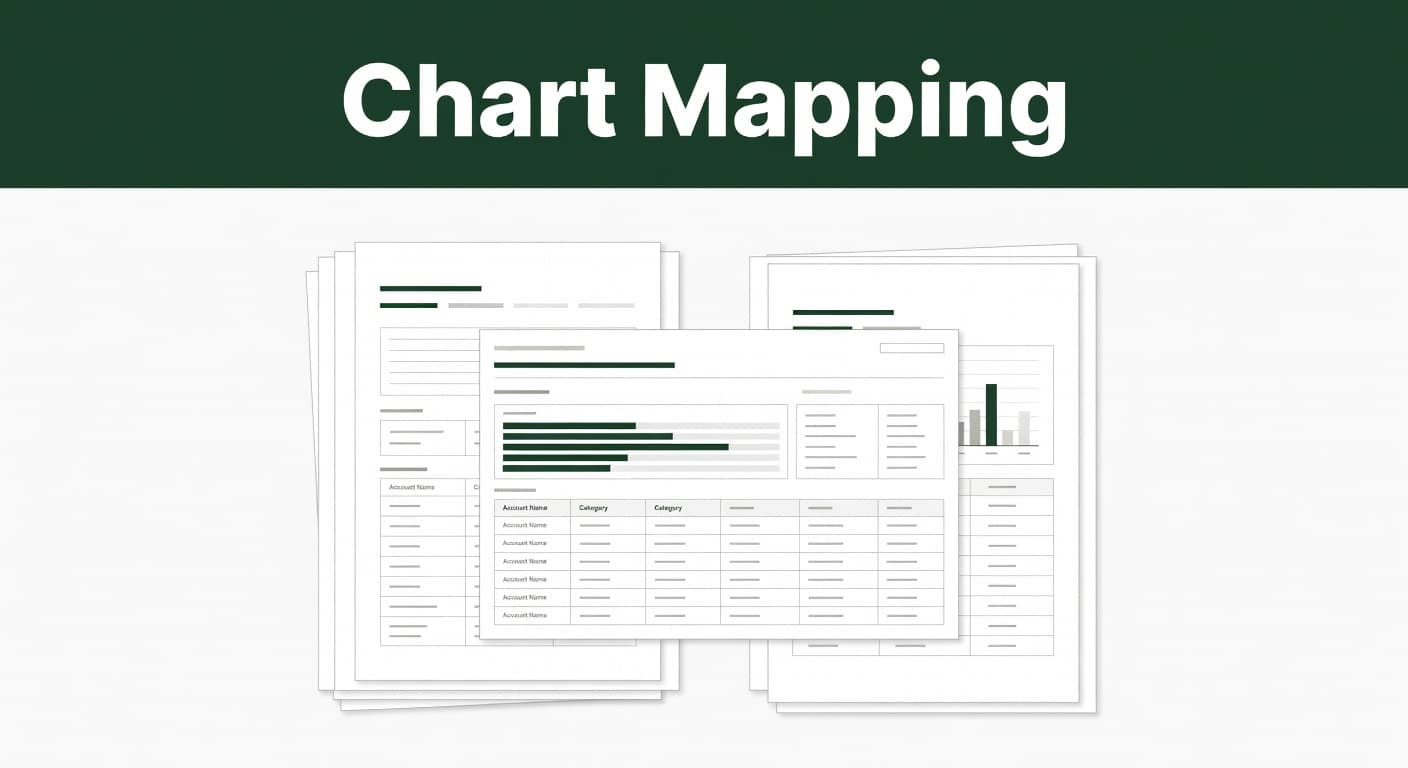
Understand where Stripe fees belong in the chart of accounts
The first mistake is treating every Stripe charge as one generic fee. That hides useful detail. A better setup separates the payment flow into a few clear buckets.
Most SaaS teams need at least one expense account for card processing fees and one clearing account for Stripe payouts. From there, you can add accounts for disputes, refunds, foreign exchange, and cross-border charges.
If you want a practical reference point, Stripe's chart of accounts guidance shows the same basic idea, keep the mapping clean so each event lands in the right place.
A simple structure looks like this:
- Stripe Processing Fees for card or wallet fees
- Stripe Clearing Account for unsettled payouts
- Chargeback Fees for dispute costs
- Refund Processing Fees for refund-related charges
- FX Fees for currency conversion or cross-border costs
That structure helps when you compare processors too. A real Stripe vs PayPal fees comparison only works when each gateway gets its own bucket. Otherwise, the numbers blur together.
For teams using our Stripe analysis process, the goal is the same. Pull transaction-level data first, then map it to accounts that match the real fee behavior.

Build separate accounts for each fee type
A good Stripe fee breakdown starts with separate accounts. That way, you can see which costs move with volume, which ones spike with geography, and which ones hit only a few customers.
Here's a clean mapping example:
| Stripe charge type | Suggested account name | Account type | Why it matters |
|---|---|---|---|
| Card processing fee | Stripe Processing Fees | Expense | Tracks your core transaction cost |
| International card fee | Cross-Border Fees | Expense | Shows where foreign cards raise costs |
| FX conversion fee | Foreign Exchange Fees | Expense | Keeps currency costs out of card fees |
| Dispute fee | Chargeback Fees | Expense | Makes fraud and dispute costs visible |
| Refund fee | Refund Processing Fees | Expense or contra-expense | Separates refunds from new sales |
| Payout adjustment | Stripe Clearing Account | Asset or clearing | Matches deposits to what Stripe actually sent |
A setup like this keeps the ledger readable. It also makes month-end review faster, because you can see each cost in the right place instead of hunting through one long expense line.
If you only book net deposits, you'll miss the fee pattern hidden inside each payout.
That pattern matters more as SaaS billing gets more complex. Usage charges, proration, credits, and split invoices can all change how Stripe fees land in the books. The more varied your billing, the more valuable separate accounts become.
If you want a quick example of how teams post Stripe fees in bookkeeping systems, the QuickBooks Online reconciliation steps show the same logic in a simple format.
Record payouts and fees the same way every month
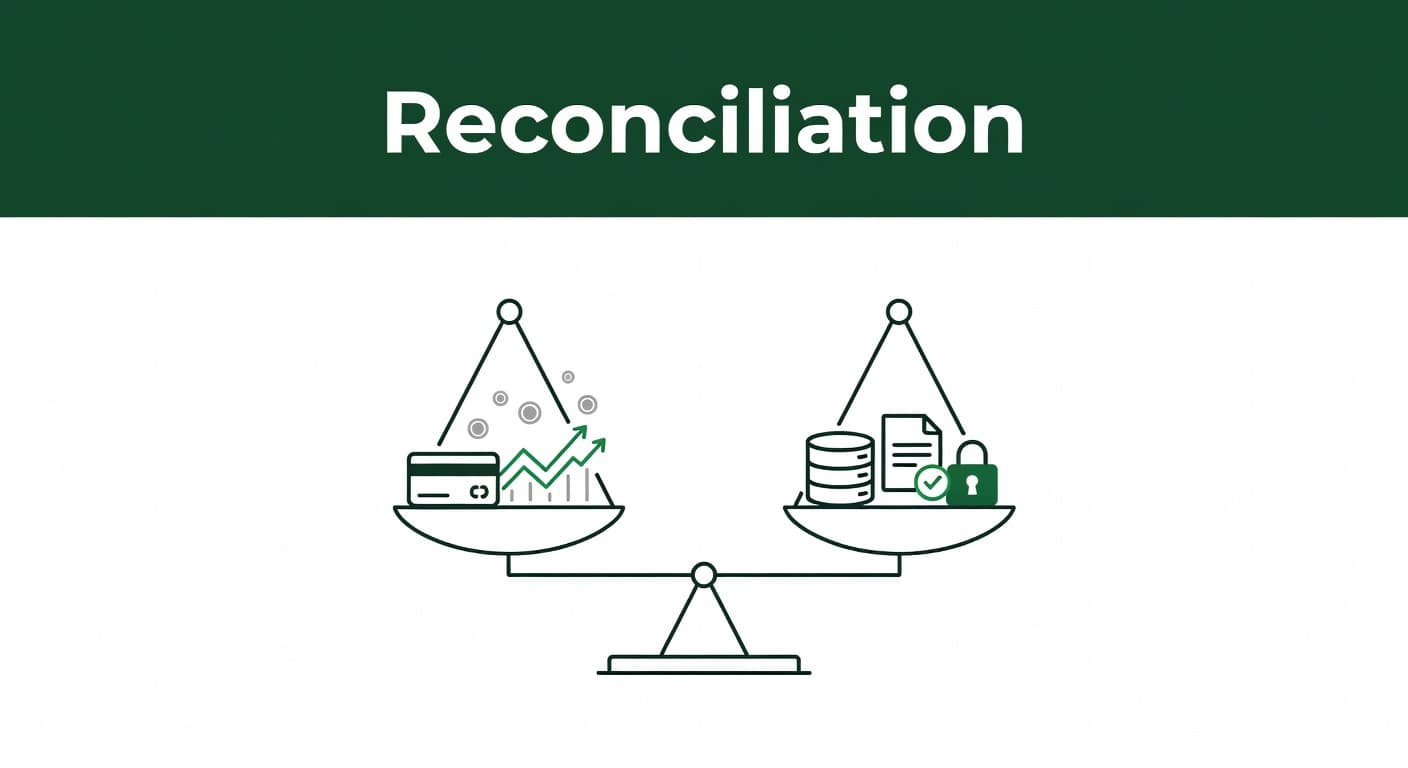
Once the accounts are set, the next step is consistency. Stripe fees should be posted the same way every time, or your reports will drift.
A clean monthly workflow usually follows this sequence:
- Record the customer sale at gross amount.
- Post the Stripe fee to the correct expense account.
- Move the net payout into the bank through the Stripe clearing account.
- Match the payout batch to the transaction detail.
This method keeps revenue separate from payment cost. It also makes reconciliation easier because the bank deposit no longer has to explain the fee by itself. The clearing account does that job.
For SaaS finance teams, that separation is important. A single payout may contain dozens or hundreds of transactions, each with different fee patterns. If you book only the net amount, you lose visibility fast.
Use the same logic for partial payouts, refunds, and rolling reserves. Keep the accounting entry tied to the Stripe event, then match the bank movement later. That habit saves time at close and reduces cleanup work when Stripe and the ledger don't line up on the first pass.
Keep refunds, disputes, FX, and hybrid billing separate
The 2026 SaaS billing mix is more complicated than simple monthly subscriptions. Usage-based pricing, overages, AI add-ons, and hybrid plans are now common. That means more edge cases in your books.
Stripe reports and payout files can include prorations, credits, refunds, dispute fees, and currency conversion charges. Each one should have a clear home in the chart of accounts.
A few rules keep the books clean:
- Refunds should not hide inside processing fees.
- Dispute fees should stay separate from normal card fees.
- FX and cross-border charges should get their own account if they matter at scale.
- Proration and credits should map to revenue or contra-revenue accounts, not fee accounts.
- Hybrid billing adjustments should stay tied to the invoice or customer event that caused them.
That separation matters because Stripe processing fees SaaS teams pay are not all the same. A domestic card fee tells you one thing. A cross-border charge tells you another. A dispute tells you something else again.
If you need a plain accounting walk-through, the step-by-step fee reconciliation guide is a useful model for how the pieces fit together.
Use the mapping to lower SaaS payment processing costs
A clean chart of accounts does more than tidy the books. It shows where to cut cost.
Once your fee accounts are in place, you can see whether card volume, foreign transactions, disputes, or small-ticket sales are driving the bill. That is the kind of data you need if you want to understand SaaS payment processing costs without guessing.
A Stripe fee calculator can help with rough estimates, but your own ledger is better. It shows your real mix, not an average that hides the expensive transactions.
Use the mapped data to test a few practical moves:
- Push more low-risk customers to ACH or bank transfer when it fits your product.
- Watch for international cards that trigger higher fees.
- Reduce avoidable chargebacks by tightening billing descriptions and support response time.
- Compare processors only after you include refunds, disputes, and FX.
- Review small transaction volume, because fixed fees hurt more on low tickets.
That is also where Stripe fee breakdown features help. When you can group fees by payment method, region, currency, and product line, the pattern gets obvious fast.
If you want to see what your own numbers look like, Analyze My Fees gives you a direct way to start. If you later want ongoing tracking, the pricing plans make it easy to compare the cost of analysis with the savings you find.
Conclusion
Stripe fees look small until they pile up across thousands of payments. A clear chart of accounts keeps those costs visible, batch by batch and fee by fee.
When you separate processing fees, FX, disputes, refunds, and clearing activity, you get cleaner books and better decisions. That is the real value of stripe fee accounting. It turns a monthly payout into a map you can actually use.