You run a SaaS business on Stripe. Fees eat into your margins, but they vary by plan tier. Standard rates start at 2.9% plus $0.30 per transaction. Add-ons and volume push costs higher.
Most teams see a blended rate above that base. Stripe fees by plan hide in add-ons like Billing or Tax. You need to track them to spot leaks.
This guide shows you how. Start with basics, then tools to cut costs.
Understand Stripe Fee Structures
Stripe keeps it simple at first. The standard plan charges 2.9% plus $0.30 for US domestic cards. International cards add 1.5%. Currency conversion tacks on another 1%.
SaaS teams pay more with features. Stripe Billing adds 0.7% to 0.8% on recurring revenue. Invoicing costs 0.4% per paid invoice. Radar fraud tools run $0.02 to $0.07 per screen.
High-volume users get custom tiers. Businesses over $5 million annually negotiate lower base rates or interchange-plus models. Check Stripe's pricing page for details.
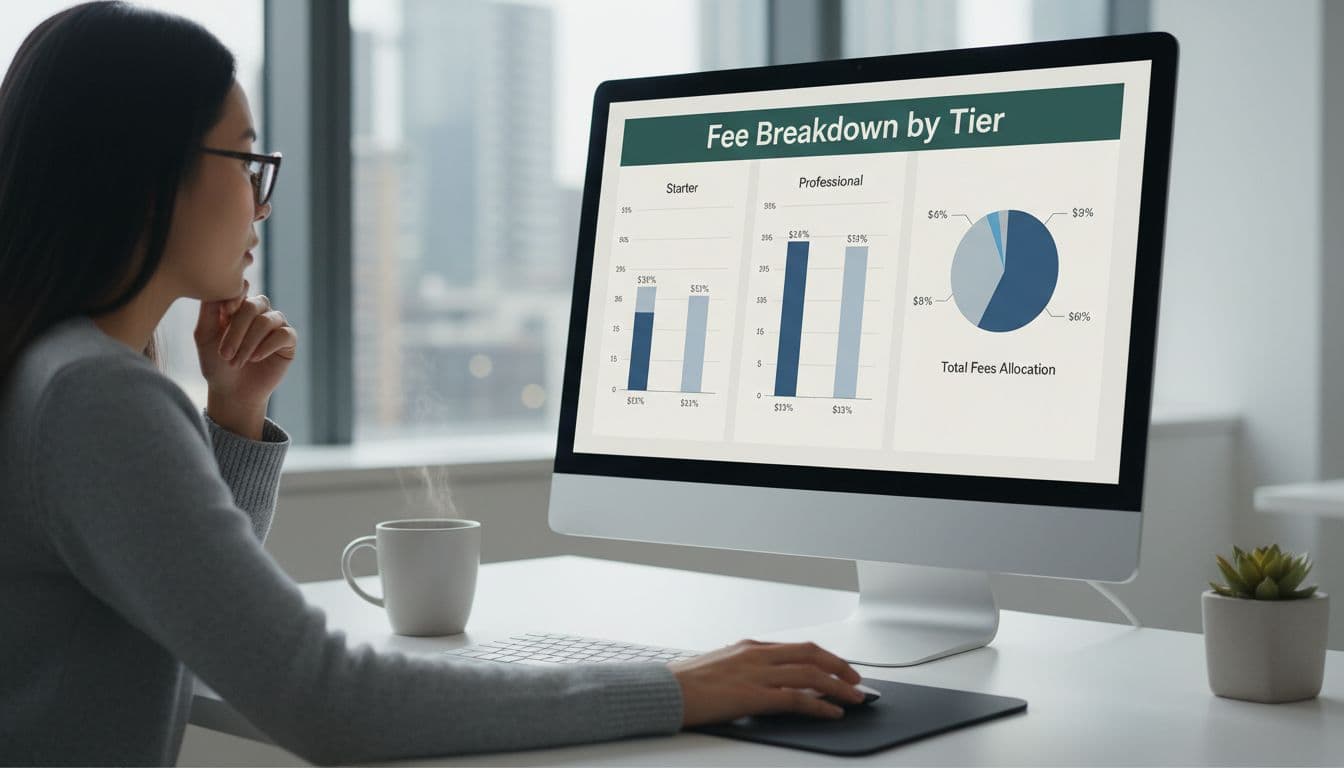
This dashboard view breaks Stripe fee breakdown by tier. Standard stays flat. Custom drops percentages as volume grows. For SaaS, track because subscriptions trigger extra layers.
Effective rates often hit 4% or more. A $1 million monthly volume might cost $4,230 after add-ons. Know your tier to predict totals.
Why Track Stripe Fees by Plan Tier
Fees differ across plans. Standard works for small teams. Scale users save with custom deals.
You miss savings without tracking. SaaS payment processing costs rise from cross-border payments or failed retries. One overlooked add-on doubles your rate.
Break it down by tier to find patterns. Domestic tiers stay low. International spikes to 4.4% plus $0.30.
Tools reveal this. Manual exports from Stripe show blends only. Segment by plan to see true SaaS payment processing costs.
High tiers offer volume discounts. But you must qualify. Track monthly to negotiate.
Manual Steps to Track Your Fees
Pull data from Stripe Dashboard. Go to Payments, export CSV for 30 days.
Sort by payment method and amount. Calculate effective rate: fees divided by volume.
Use spreadsheets. Column A: gross volume. B: Stripe fees charged. C: rate equals B over A.
Group by tier. Standard: all under custom thresholds. Custom: sales team deals.
Here's a quick table for common SaaS scenarios:
| Transaction Type | Base Fee | Add-On Example | Effective Rate |
|---|---|---|---|
| Domestic Card | 2.9% + $0.30 | Billing 0.7% | ~3.6% |
| ACH Subscription | 0.8% cap $5 | None | 0.8% |
| International | +1.5% extra | Tax 0.5% | ~4.9% |
This setup shows gaps fast. ACH saves on big annual plans. But most SaaS sticks to cards.
Export often. Rates shift with volume. Recalculate quarterly.
Try a Stripe Fee Calculator First
Estimators help before deep dives. Input volume and type for instant breakdowns.
Tools like the Global Fee Calculator for Stripe US handle add-ons. Enter $100 sale: see $3.20 out for standard.
They factor tiers too. Custom inputs let you test negotiated rates.
A Stripe fee calculator beats guesses. For $10k monthly, compare standard versus scale.
Limitations exist. They ignore your real data. Use for planning, not audits.
Compare Stripe vs PayPal Fees
PayPal runs higher for online sales. Standard: 3.49% plus $0.49. Stripe's 2.9% plus $0.30 saves $0.28 per $100.
Subscriptions favor Stripe. No heavy add-ons like PayPal's merchant fees.
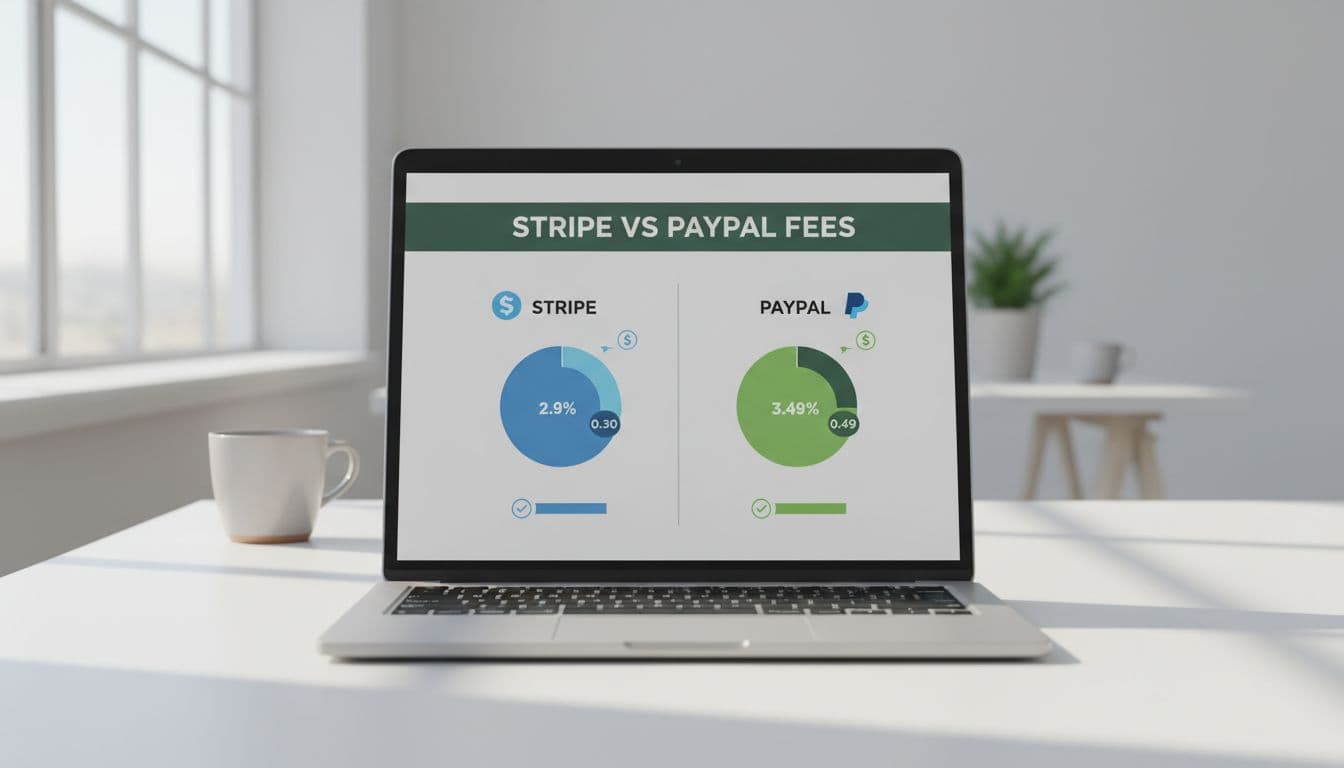
Stripe vs PayPal fees show clear wins for SaaS. PayPal edges in-person at 2.29% plus $0.09. Online, Stripe pulls ahead. See details in this 2026 comparison.
Switch if volumes fit. Most SaaS stays with Stripe for integrations.
Automated Tools for Stripe Processing Fees SaaS
Manual work scales poorly. Connect a tool to your account for real-time views.
FeeTrace pulls 90 days of history. It computes effective fee rate by tier, method, and region.
See breakdowns like transaction size analysis. Spot high-fee segments. Get AI savings plans.
Pricing auto-adjusts by volume, per their plans page. Start free, scale up.
For how to reduce Stripe fees, prioritize ACH for big plans. Tools flag these.
Analyze My Fees today. Track by plan tier in minutes.
Conclusion
Track Stripe fees by plan to reclaim margins. Start with structures, manual sorts, calculators. Automate for ongoing wins.
SaaS teams cut 1-2% effective rates this way. Your blended drops as tiers optimize.
Act now. Connect data, review breakdowns, save monthly. Fees won't track themselves.