A small fee can hide a big problem. In SaaS, a few cents per card update can shape your renewal revenue, support load, and churn rate all at once.
That is why stripe card updater fees deserve a closer look in 2026. If you only watch the headline processing rate, you miss how failed cards, retries, and recovery tools change your real margin.
The good news is that the cost is easy to model once you know where it appears. The harder part is deciding when it pays for itself.
What Stripe Card Account Updater Fees Mean in 2026
Stripe's card account updater keeps saved card details current when a customer gets a new card or their issuing bank changes account data. For SaaS, that matters because recurring charges fail less often when the card on file stays fresh.
As of May 2026, Stripe's public pricing shows a clear split. On standard pricing, the updater is included. On custom pricing plans, Stripe lists card account updater at $0.25 per successful update. You can verify the current public details on Stripe's pricing page and in Stripe's card account updater explainer.
Here is the part that matters for budgeting.
| Stripe plan | Card account updater fee | What it means for SaaS |
|---|---|---|
| Standard pricing | Included | No separate updater line item |
| Custom pricing | $0.25 per successful update | Track cost by update volume |
| High-card-churn accounts | Depends on volume | ROI can swing fast |
If you update 10,000 cards on a custom plan, that is $2,500. That sounds small until you compare it with the revenue saved from renewals that would have failed.
The real question is not whether the fee exists. It is whether the recovered revenue is larger than the cost.

Where the Cost Shows Up in SaaS Billing
A Stripe fee breakdown should never stop at card processing. The updater fee sits inside a larger stack that includes failed retries, disputes, FX, and the support time your team spends fixing billing problems.
That is why a Stripe fee breakdown needs transaction-level data, not a blended average. FeeTrace's transaction-level fee insights break costs down by payment method, geography, and product line, which is the right level when renewal fees start to drift.
For SaaS teams, the updater fee shows up in three places.
First, it changes the cost of card recovery. Every successful update costs money on custom pricing plans, so the more often a customer changes cards, the more the fee matters.
Second, it affects involuntary churn. If an expired card is saved in time, the renewal goes through. If not, you lose revenue and may trigger a support touch.
Third, it can hide inside your retry logic. A failed charge that gets rescued later may still cost more than expected once retries and processing add up.
If you want a clean view of those costs, compare updater spend with failed payment volume, renewal value, and customer segment. A quick Stripe fee calculator can help with rough estimates, but it will not show the whole picture. It will miss the fee stack around it.

Stripe vs PayPal fees and what changes the math
A lot of SaaS teams compare Stripe vs PayPal fees by looking at the base rate alone. That misses the point. The real comparison is the effective rate after disputes, FX, retries, and recovery tools.
Stripe's pricing page lists add-ons alongside core processing, so the final bill can move with your payment mix. PayPal has its own fee structure, and it can look simple at first glance. Yet the effective cost depends on ticket size, geography, and how often cards need recovery.
That is why the same payment stack can feel cheap for one SaaS and expensive for another. A low-ticket monthly plan gets hit harder by fixed fees. A higher-ticket annual plan may tolerate more overhead, but only if retention stays strong.
Use a comparison checklist instead of a headline rate check:
- Base processing rate for the card mix you actually see.
- Card updater cost, if your plan charges for it.
- FX and cross-border fees for international customers.
- Dispute and chargeback fees.
- Retry volume and how often failed renewals get rescued.
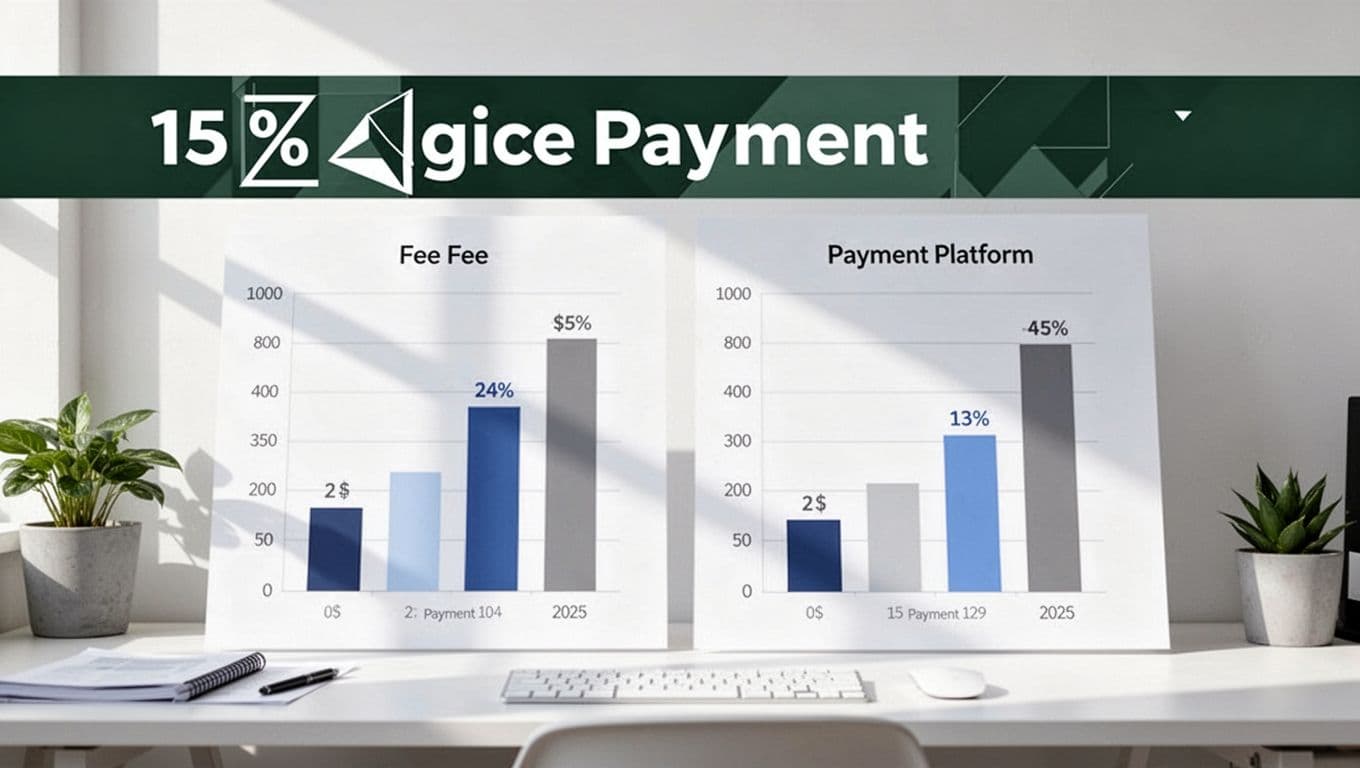
The best comparison is the one tied to your own cohort data. A SaaS company with mostly US cards will see a different answer than one with international self-serve signups. That is also why generic benchmarks often mislead.
How to reduce Stripe fees without hurting renewals
The fastest way to cut waste is to treat updater fees as one part of a larger renewal system. If the updater saves a $200 annual renewal, the fee can be easy to justify. If it protects a $12 monthly plan that was already likely to churn, the math changes.
Start with the payment segments that matter most. High-value subscriptions, higher-churn regions, and customers with frequent card changes deserve the most attention. Low-value plans need tighter rules because fixed fees take a bigger bite.
Then look at your broader Stripe processing fees SaaS stack. Annual billing can reduce the number of times you pay fixed transaction charges. Bank payments can help on larger invoices. Strong retry logic can recover revenue without creating extra noise.
Here is a simple way to decide where to focus:
- Review failed renewals by segment, then separate genuine churn from card expiry.
- Measure the cost of each recovered payment, not just the total recovery count.
- Compare updater spend with the revenue saved from rescued subscriptions.
- Shift high-value customers to billing methods that lower repeat card costs.
- Check whether disputes or FX are costing more than updater fees.
FeeTrace can help here because it connects the fee data back to the transaction. Its how FeeTrace analyzes Stripe transactions page shows the workflow from raw Stripe data to ranked savings ideas. If you want to keep the software cost in line with the savings, volume-based pricing is built around the size of your Stripe account.
If you are trying to map these costs in your own stack, Analyze My Fees and compare the updater line item with the rest of your renewal revenue.
Conclusion
Stripe card account updater fees are small on paper, but SaaS math is rarely that simple. A few cents per update can protect a lot of recurring revenue, or it can become noise if the recovered payments are too small.
The right move is to measure the fee against your real renewal mix, not against a generic benchmark. When you know your effective rate, your SaaS payment processing costs stop being a mystery and start becoming a set of clear tradeoffs.
That is the real value of a better fee breakdown. It shows you where the money leaks, and where it is worth paying to keep revenue alive.