Stripe customer balance fees can look small on the invoice and still matter a lot for margin. For SaaS teams, the hidden cost is often not the balance itself, but the way that balance gets funded.
If you only scan the final charge, you can miss card fees, Billing fees, currency conversion costs, and the moments where balance simply moves the fee upstream. The useful question is simple: when does customer balance lower Stripe fees, and when does it just rearrange them?
How customer balance changes the Stripe fee picture
Stripe's customer invoice balance is a bucket of credits and debits that Stripe applies to future invoices. Stripe explains the mechanics in its customer invoice balance docs, and that detail matters more than the label itself.
For recurring SaaS, this changes when fees hit, not only how much the customer owes. A renewal paid from customer balance may skip a fresh card transaction, so the usual card processing fee does not appear at that moment. Still, if the balance was created by a card payment earlier, that fee may already be baked in.
That is why customer balance should be treated as a payment path, not a savings shortcut. It works well for credits, overpayments, and manual adjustments. It works less well when teams assume every balance-funded invoice is cheaper by default.
Stripe also documents ways to apply and control balances across invoices in its balance application scripts guide. That matters if you want to set thresholds or limit how much balance gets used on each invoice.
In 2026, the key is to read the full route money takes. The final invoice line is only part of the story.
Where savings appear, and where they vanish
This is where most SaaS owners misread Stripe customer balance fees. They see a lower invoice charge and assume the whole payment got cheaper.
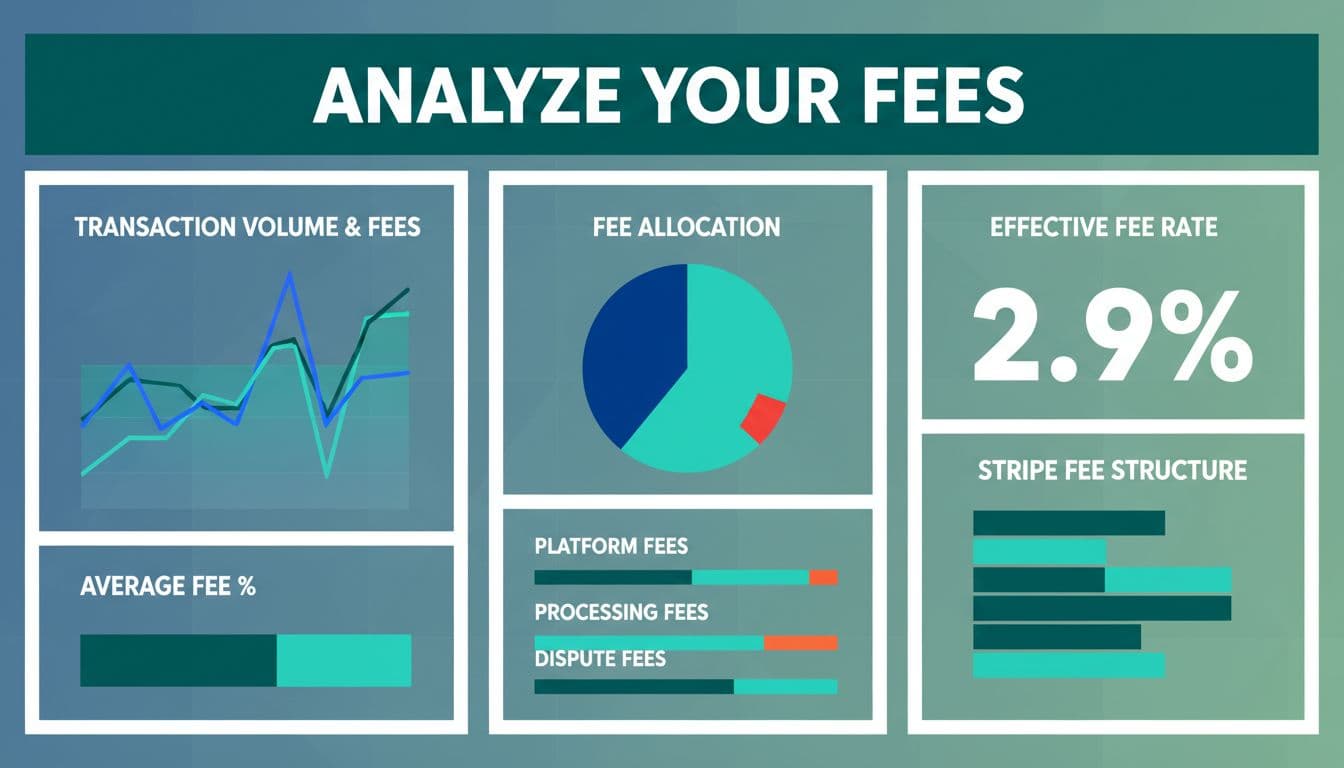
A balance can reduce fees, but only in the right setup. Here is a simple way to compare the common cases:
| Scenario | Card fee at invoice time? | Other cost to watch | Best fit |
|---|---|---|---|
| Invoice paid from existing customer balance | Usually no | Billing fees may still apply, depending on setup | Renewals with preloaded credits |
| Balance funded by a card payment | No new card fee at invoice time, but fee often happened earlier | Upstream card and conversion fees | Prepayments and deposits |
| Balance funded by bank transfer | No card fee | Reconciliation work and bank rail costs | Enterprise accounts |
| Standard card checkout | Yes | International, FX, dispute, and refund costs | Self-serve signups |
The pattern is clear. Balance only saves money when it replaces a new card charge. If the balance came from a card, the cost may have moved upstream instead of disappearing.
A balance is only cheaper when it replaces a fresh payment. If the money entered Stripe through a card, the fee may already be part of the cost.
There are also edge cases that hide inside SaaS billing. Overpayments, goodwill credits, and manual adjustments can all make an invoice look lighter than it really is. If you only track the final amount due, you can miss the fee that happened when the balance was created.
For teams that use custom logic, Stripe's balance controls matter too. A threshold that delays collection, or a rule that limits how much balance applies, can change the timing of fees as much as the amount.
That is why you should separate three things in your review: the funding source, the invoice source, and the fee source. Once those are split apart, the numbers make more sense.
How to read a Stripe fee breakdown without guessing
A Stripe fee calculator is fine for rough estimates, but it won't show you the real shape of your costs. It also won't tell you whether small invoices, cross-border cards, or balance-funded renewals are carrying different fee loads.
A better Stripe fee breakdown splits by transaction size, payment method, geography, currency, and product line. That is where blended averages start to fall apart. One cohort may look healthy while another is quietly pulling your effective rate up.
That level of detail is also why explore FeeTrace features matters for SaaS teams that want to see fee leakage instead of guessing at it. A read-only Stripe connection can surface patterns that are hard to catch in the dashboard, such as which plans generate the highest effective rate.
If you want to see how that workflow works in practice, how FeeTrace works walks through the Stripe connection and analysis steps. The goal is not more data for its own sake. It is a cleaner view of where the money goes.
This is also the right lens for Stripe vs PayPal fees. A fair comparison uses the same payment mix. A self-serve card checkout, a balance-funded renewal, and a bank transfer backed invoice are not the same thing, so they should not be priced like the same thing either.
For more billing examples and cost patterns, the FeeTrace blog has additional reads that help put the numbers in context.
Practical ways to reduce Stripe fees in SaaS
If your goal is how to reduce Stripe fees, start with the segments that drive the most volume. Small changes in the biggest cohorts usually beat broad changes across the whole account.
A few moves tend to matter most:
- Keep customer balance for credits, overpayments, and prepaid invoices, not as a default funding path for fresh payments.
- Move predictable enterprise invoices to bank transfer or ACH when the customer base supports it.
- Review low-ticket subscriptions closely, because fixed cents charges hurt more there.
- Watch refunds, retries, and cross-border payments, since they can raise SaaS payment processing costs faster than teams expect.
Those choices are easier when you know which plans and regions carry the most drag. A generic Stripe fee calculator can tell you the math on one payment. It cannot tell you where the monthly pattern is hiding.
That is also where a fee review earns its keep. If the cost of analysis is part of the decision, view our pricing plans against the savings you expect to recover. Then use that baseline to decide whether the issue is worth deeper work.
If you want to see where your own fee leakage sits, Analyze My Fees gives you a direct starting point.
Conclusion
Stripe customer balance fees are easy to misread because the invoice line is only part of the story. The real cost depends on where the balance came from and what kind of invoice it pays.
Once you separate upstream funding from the final charge, the savings picture gets clearer. That makes it easier to spot when balance helps, when it doesn't, and where your SaaS payment processing costs need a closer look.
In 2026, the smartest move is to track effective rate, not just Stripe fees on the statement. That is where the useful savings live.