
That familiar 2.9% + 30¢ is only the sticker price. Most SaaS teams pay more, sometimes much more, once Billing, international cards, FX, and disputes enter the picture.
So if you want a useful stripe fee benchmark, don't compare your rate to a random founder post. Compare it to businesses with a similar sales mix, contract size, and payment setup. That extra work keeps you from chasing the wrong fix.
Start with your true effective fee rate
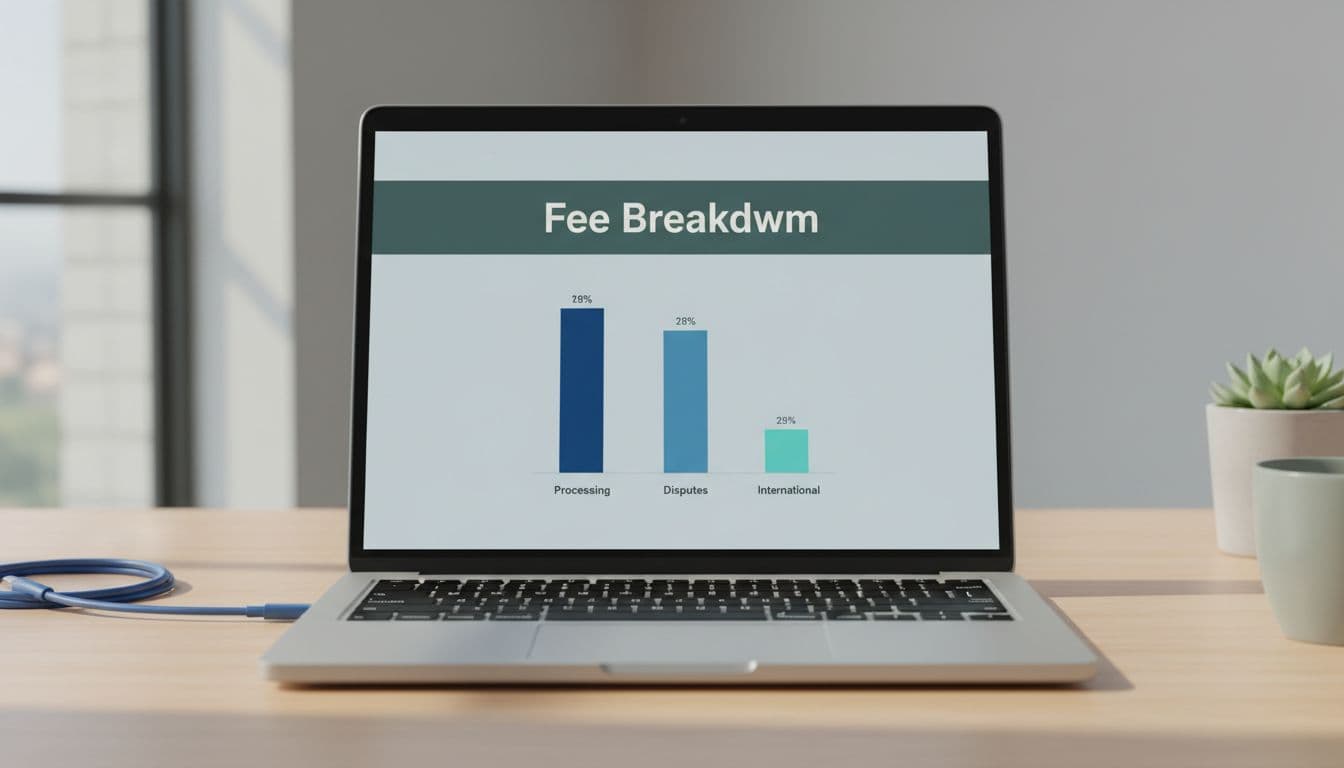
As of April 2026, Stripe's current pricing lists the standard US online card rate at 2.9% + 30¢ per successful domestic transaction. For subscription SaaS, that base rate is often only layer one. Billing fees, commonly 0.7% of billing volume, plus international card surcharges, 1% currency conversion, and $15 disputes can all push the real number higher.
That means your Stripe fee breakdown should start with two formulas:
Effective Stripe fee rate = Total Stripe fees / Gross successful payment volume
Blended take rate = Total payment stack costs / Collected revenue
For benchmarking, include processing, Billing, invoicing, FX, cross-border, and dispute costs in the first number. In the second, add any fraud tooling or payment-failure recovery costs you treat as part of payments. Otherwise, one team is benchmarking processor cost while another is benchmarking total cash-collection cost.
A spreadsheet works well. So does a dedicated Stripe fee calculator if you want a faster first pass. Then segment the result by ticket size, country, currency, payment method, and product line. That's where the pattern shows up. If you need deep breakdowns of Stripe fees by transaction size, that level of detail turns one blended average into something you can act on.
Normalize the drivers before you compare yourself to peers
This is where most fee benchmarking goes off track. A $29 self-serve app and a $2,400 invoice-led B2B platform can both use Stripe, yet their economics are nothing alike. Comparing them is like timing a sprinter against a cargo ship.
When people search for Stripe processing fees SaaS data, they often find broad averages. Those averages usually hide six drivers that matter most. First is average contract value. The fixed 30¢ matters far more on low-price monthly plans than on high-ACV invoices. Next is SMB versus enterprise mix. Enterprise volume often comes with larger invoices, fewer transactions, and more ACH.
Then look at international sales exposure, because cross-border and FX fees can move your effective rate fast. After that, check payment method mix. ACH can be much cheaper than cards on larger payments. Billing cadence matters too, because annual prepay cuts transaction count while monthly billing multiplies fixed fees. Last, watch dispute and refund rates, since they create real drag even when headline pricing stays flat.
Benchmark the mix, not the sticker price.
If you don't have outside cohort data, build an internal peer set first. Compare self-serve against self-serve, annual contracts against annual, and domestic-heavy segments against domestic-heavy segments. If you want to see how FeeTrace analyzes Stripe fees, the process is useful, but the logic matters more than the tool.
Build a stripe fee benchmark you can use every month
Use this table as a sanity check, not as a hard market average. These bands come from current Stripe pricing mechanics and common SaaS mixes, not from a single audited peer census.
| Cohort | Common profile | Directional rate check |
|---|---|---|
| Self-serve SMB SaaS | Low ACV, monthly card billing, low ACH | Often above 3% |
| Mid-market SaaS | Mixed cards and some ACH, moderate ACV | Often in the high-2% to low-3% range |
| Enterprise-led SaaS | High ACV, annual billing, more ACH or invoice pay | Often below card-heavy SMB cohorts |
| Global SaaS | Meaningful cross-border and FX exposure | Usually above a similar domestic-only cohort |
The takeaway is simple. Your best benchmark is a normalized cohort, not a generic industry average. Track your own median, 75th percentile, and month-over-month change inside each cohort. If you can't get external peer data, your own segmented history is still a valid benchmark.
For SaaS payment processing costs, movement matters more than level. A jump from 3.1% to 3.5% can matter more than whether another company reports 2.8%.
How to reduce Stripe fees without guessing
If you're serious about how to reduce Stripe fees, start with the biggest driver, not the loudest one. Large-ticket invoices usually benefit most from ACH. Low-ARPU self-serve plans often gain from annual prepay, because fewer transactions means fewer fixed fees. Global sellers should review where cross-border and FX pile up, then decide whether local collection or pricing changes make sense.
Don't ignore the softer leaks. High refund rates, preventable disputes, and failed-payment retries can quietly lift your effective rate. Sometimes the best savings come from cleaner billing ops, not a processor change. At higher volume, custom pricing may also be worth exploring if your payment mix is stable.
Also, keep Stripe vs PayPal fees in context. The headline rate isn't the whole story. NerdWallet's Stripe and PayPal comparison is a useful high-level check, but SaaS teams should also weigh subscription tooling, global support, and payment method fit. A good benchmark won't hand you one magic number. It helps you spot what changed, why it changed, and which fix saves the most.
A stripe fee benchmark only helps when it compares like with like. Once you normalize for ACV, customer mix, geography, payment method, cadence, and disputes, your fee rate becomes easier to explain and easier to improve.
The cleanest savings usually come from changing mix, not haggling over one rate line. If you want to pressure-test your own rate, Analyze My Fees is a practical next step.