
Stripe's posted rate looks clean. Your actual cost usually doesn't.
If you've searched for "stripe fees saas" lately, you've probably noticed the gap between the headline price and your real payout. For SaaS, payment method, billing tools, FX, and disputes can quietly widen that gap.
The fastest way to make sense of it is to separate charges by payment method first, then look at the add-ons sitting on top.
The current Stripe fee breakdown by payment method
As of April 2026, Stripe's standard US online card rate starts at 2.9% + 30¢ per successful payment, based on Stripe's pricing page. For SaaS, that usually means recurring card subscriptions and wallet payments like Apple Pay or Google Pay. ACH Direct Debit is much lower at 0.8%, capped at $5, while some bank-based and BNPL methods cost more.
That matters because Stripe fees are not one flat tax on revenue. The rail, country, and product all change the final number. Stripe's guide to payment gateway fees gives the broader context behind those differences.
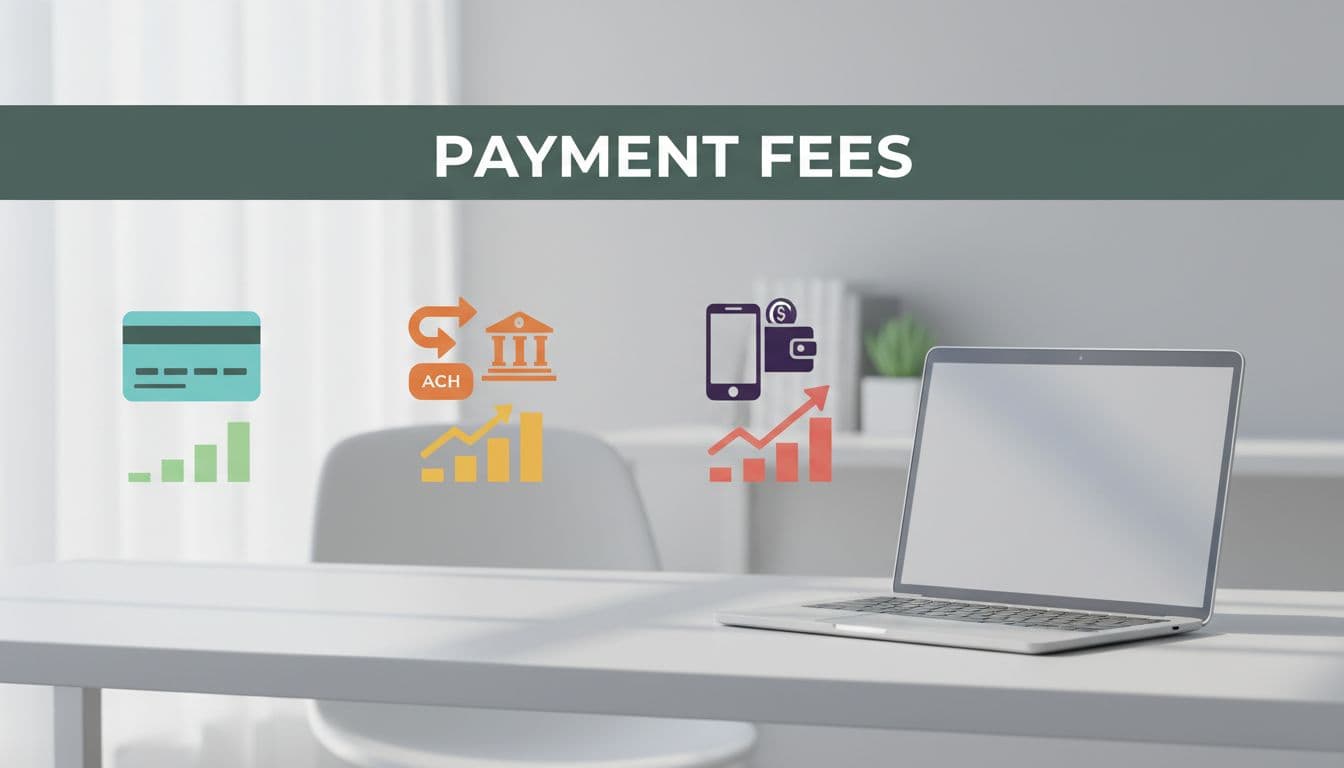
Here is the quick Stripe fee breakdown most US SaaS teams start with:
| Payment method | Typical Stripe fee structure | Common SaaS use case |
|---|---|---|
| Domestic cards | 2.9% + 30¢ | Monthly or annual subscriptions |
| Digital wallets | Same as cards | Faster checkout for self-serve signups |
| ACH Direct Debit | 0.8%, capped at $5 | High-value invoices, annual plans, B2B accounts |
| Instant bank payments | 2.6% + 30¢ | Faster bank-based payments where supported |
| Klarna / BNPL | 5.99% + 30¢ | Higher-ticket plans, hardware bundles |
| International cards | Base rate + 1.5%, plus FX if needed | Global subscriptions and cross-border sales |
The takeaway is simple: method mix changes margin. A card-heavy self-serve motion costs more than an ACH-heavy sales-led motion, even with the same top-line ARR.
Fixed fees also hit low-ticket plans harder. On a $20 subscription, 2.9% + 30¢ equals 4.4%. On a $200 payment, that same structure falls to about 3.05%. That's why low-price add-ons and seat expansions can look healthy in MRR, but weaker in net cash.
Outside the US, pricing can differ by country and local method. EEA card pricing is often lower than US pricing, while non-domestic cards commonly add around 1.5%, and currency conversion may add another 1% to 2%. For extra context, this 2026 fee snapshot by country is helpful, but Stripe's local pricing pages should be the final source before you model expansion.
Why Stripe processing fees hit SaaS metrics harder than expected
A basic card fee rarely tells the full story. Once you layer in Billing, Tax, Radar, disputes, and cross-border charges, SaaS payment processing costs can move from background noise to a real margin line.
Take a $50 monthly subscription in the US. The core card fee is $1.75. If you also use Stripe Billing at 0.5%, Stripe Tax at 0.5%, and Radar at $0.02, the total rises to about $2.27, or roughly 4.5% of revenue.
The listed rate is a starting point, not your true rate.
That has a direct effect on gross margin if your team books payment costs in cost of revenue. Even if finance places them below gross profit, cash margin still drops. A one-point jump in effective fees on $5 million in annual payments means roughly $50,000 less flowing through the business.
The impact on retention is less obvious, but it's still real. Your dashboard may show stable NRR, yet net dollars after processing can shrink if expansion revenue comes from many small card charges. The fixed 30¢ fee bites hardest on small upgrades, add-ons, and usage true-ups.
International growth adds another layer. A market may look great on CAC and conversion, then underperform once cross-border and FX fees show up. Stripe notes that local setup varies by country and product, which is why Stripe's SaaS use case overview is worth reviewing before a new launch. If you're processing serious volume, custom pricing may also be on the table, especially when your payment mix is stable and predictable.
How to reduce Stripe fees without hurting conversion
If you're looking up how to reduce Stripe fees, start with behavior, not the posted rate. A Stripe fee calculator is useful for quick math, but it won't show which customers, products, or countries create the worst blended rate. It's like using a flashlight when you need a map.
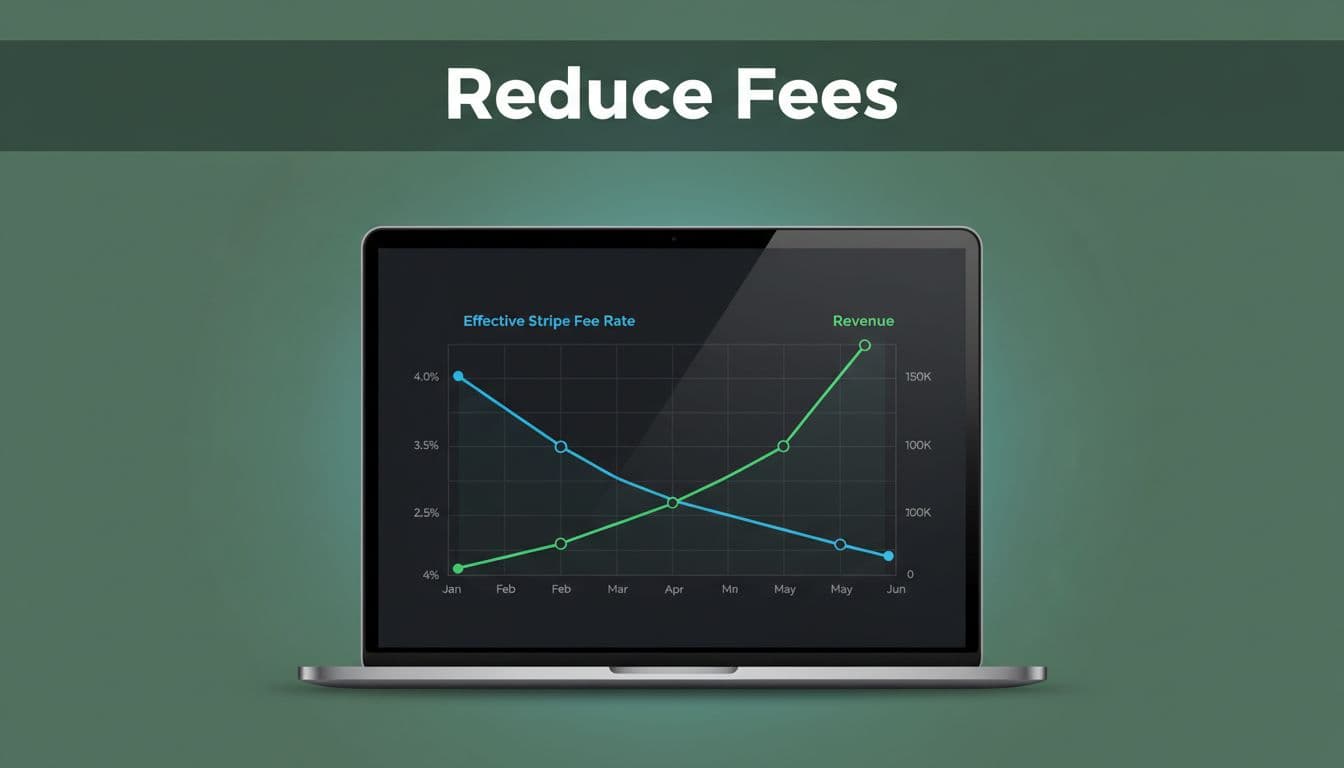
A few moves usually create the biggest savings:
- Shift larger invoices and annual contracts to ACH when conversion risk is low.
- Watch low-ticket plans closely, because fixed per-transaction fees stack up fast.
- Offer local payment methods before entering new countries at scale.
- Ask Stripe about custom pricing once volume is meaningful enough to negotiate.
Also, don't treat comparison shopping as a one-line rate exercise. If you're reviewing Stripe vs PayPal fees, compare dispute costs, cross-border pricing, payout timing, and the fit with your sales motion. The cheaper option for a $500 invoice may not be the cheaper one for a $19 self-serve plan.
For ongoing control, a transaction-level view matters more than a spreadsheet. FeeTrace provides deep analytics to cut effective fee rates and shows the real Stripe processing fees SaaS teams pay by payment method, geography, and currency. If you want to see the process first, review how FeeTrace analyzes Stripe data, or go straight to Analyze My Fees.
Stripe fees don't become manageable when you memorize the rate card. They become manageable when you understand your true rate by method and market.
Start there, and your next pricing review, expansion plan, or board update will rest on real numbers, not averages.