Stripe interchange plus pricing looks simple on paper, but the bill can still get messy fast. SaaS teams often focus on the headline rate and miss the fees that build up around it, like Billing, Tax, invoices, and international cards.
That matters more in 2026 because recurring revenue creates repeat costs. If your checkout mix changes month to month, you need the real effective rate, not a rough guess. The sections below show how the model works and where the savings usually hide.
What Stripe interchange plus pricing means for SaaS in 2026
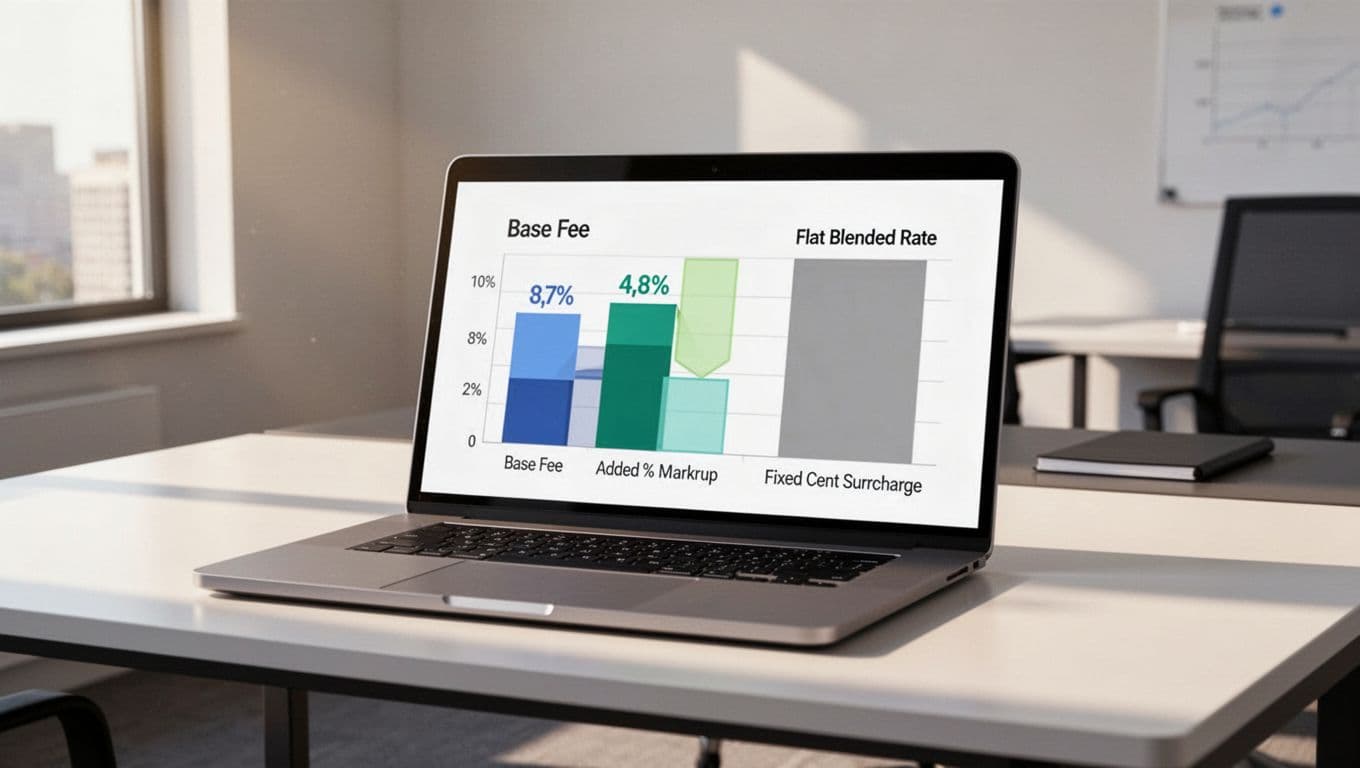
Stripe still uses a blended model for most SaaS accounts, which means one flat rate covers the card cost and Stripe's margin. For online payments, the public rate in the US remains 2.9% + 30¢, while extra products can add their own charges.
Interchange plus, or IC+, splits the bill into parts. You pay the actual interchange cost from the card network, then Stripe adds its markup. Stripe's own pricing policy describes this as interchange plus, interchange++, cost plus, or network cost plus.
That split matters when volume grows. A flat rate is easy to read, but it hides the real cost of each payment type. IC+ is clearer, especially for larger SaaS companies with steady card volume, higher ticket sizes, or mixed payment methods.
Stripe also says it can build a custom package for businesses with large payment volume or unique models. That is where IC+ often comes up. The best deal depends on how many charges you run, which cards your customers use, and how often you bill outside the US.
The Stripe fee breakdown SaaS teams should read first
For Stripe processing fees SaaS teams pay, the headline card rate is only part of the story. Subscription billing can add more layers, and those layers can change the effective rate by a lot.
Here is a simple Stripe fee breakdown for common 2026 costs:
| Fee item | Typical rate | Why it matters |
|---|---|---|
| Online card payments | 2.9% + 30¢ | This is the base rate most teams know |
| ACH bank transfers | 0.8%, capped at $5 | Lower cost for larger invoices |
| Stripe Billing | 0.7% of billing volume | Adds up on recurring revenue |
| Stripe Invoicing | 0.4% per paid invoice | Matters if you send many invoices |
| Stripe Tax | 0.5% per transaction | Affects tax-heavy global SaaS |
| Disputes | $15, refunded if you win | A real cost if disputes rise |
This is why a Stripe fee calculator helps with quick estimates, but it does not tell the full story. It usually misses add-ons, currency mix, and the way a subscription business shifts from one payment type to another.
A low card rate does not mean low payment costs.
A better view comes from transaction-level data. FeeTrace's advanced Stripe fee analytics tools break costs down by size bucket, payment method, geography, currency, and product line. That kind of view makes fee leakage easier to spot, because you see where the drag starts instead of guessing.
When interchange plus beats flat-rate pricing
IC+ starts to make sense when your Stripe fees are large enough that small differences matter. For a young SaaS with low volume, the flat rate often wins on simplicity. Once volume rises, the mix matters more than the headline percentage.
If you process many premium cards, international cards, or large invoices, IC+ can lower the real cost. In many cases, the savings show up because the card network's base cost is lower than the flat rate you see on the invoice. High-volume SaaS often sees a lower effective rate, sometimes by 10% to 30%, compared with blended pricing.
A quick Stripe vs PayPal fees comparison can be useful, but it can also distract from the real issue. PayPal and Stripe handle checkout flow, dispute patterns, and buyer behavior differently, so the cheaper-looking option on paper is not always the cheaper one in practice.
The cleanest way to judge the fit is by looking at your actual monthly mix. How FeeTrace analyzes Stripe fees shows the workflow well, because it starts with live transaction data and sorts costs by the factors that change your bill.
A simple comparison helps:
| Situation | What usually happens |
|---|---|
| Low volume, simple card mix | Flat-rate pricing is usually fine |
| High volume, mixed card types | IC+ can reduce the effective rate |
| Billing-heavy SaaS with invoices and retries | Add-ons matter as much as the base rate |
| International SaaS with currency conversion | The true cost can climb fast |
The main point is simple. If your monthly volume is small, IC+ may not be worth the switch. If your SaaS payment processing costs are growing every quarter, it is worth asking for a quote.
How to reduce Stripe fees without slowing growth
If you want to know how to reduce Stripe fees, start with the biggest levers first. Small tweaks help, but they rarely move the budget as much as payment mix and product setup.
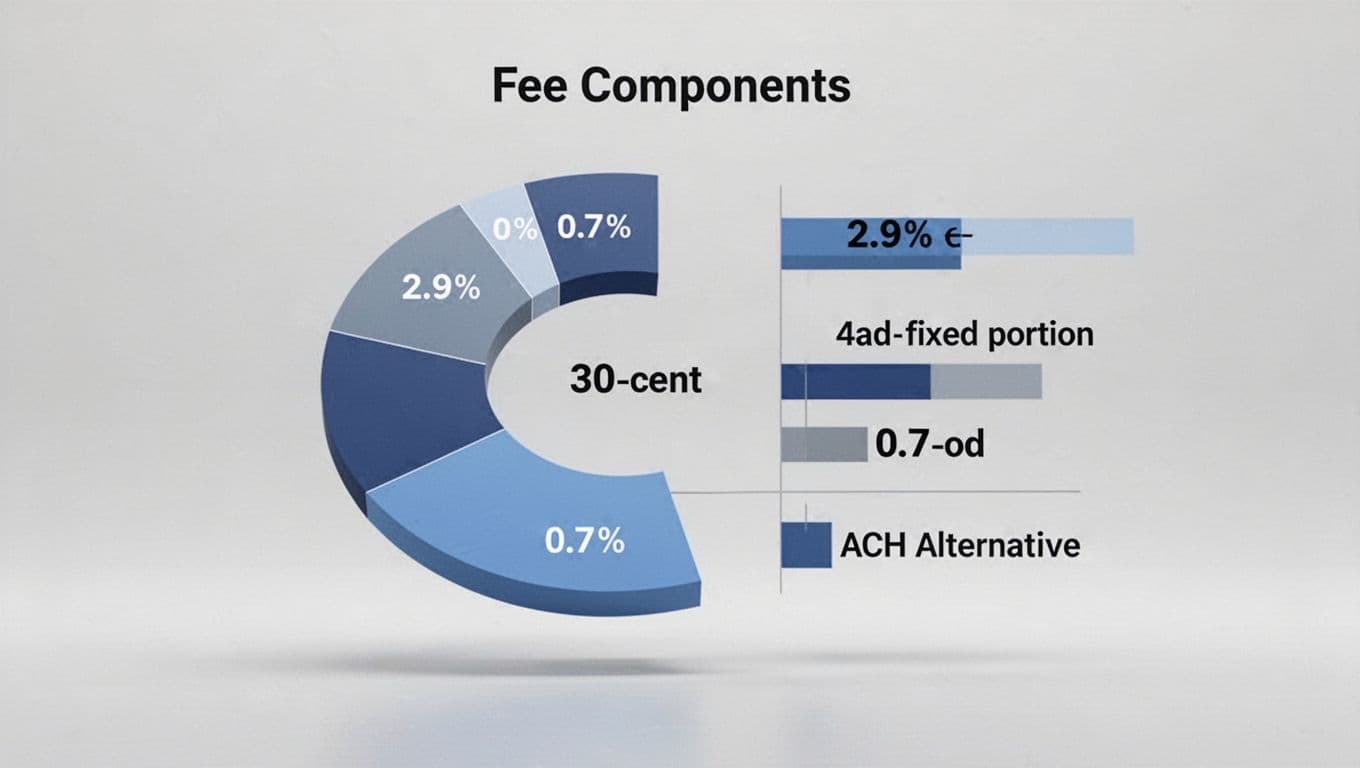
A few moves usually matter most:
- Push larger invoices toward ACH when the customer base allows it.
- Review Stripe Billing usage, because recurring volume can make that 0.7% add up.
- Watch cross-border payments, since currency conversion and international cards can raise the effective rate.
- Tighten retry logic and dispute handling, because failed payments and chargebacks create avoidable cost.
- Check whether all paid invoices need to flow through Invoicing, or if some can use a cheaper path.
That is also where a monthly review helps. If the same payment patterns keep showing up, the fix is often structural, not tactical. You may need a different billing setup, a different payment method mix, or a better pricing tier.
If you want a faster read on your own numbers, Analyze My Fees gives you a direct way to see where the money goes. If the savings look real, volume-based Stripe savings pricing shows how a tool subscription compares with the annual return. For more ideas, the Stripe fee reduction blog covers recurring billing, payment mix, and reporting habits.
Conclusion
Stripe interchange plus pricing can be a better fit for SaaS, but only when you know your real mix. The headline rate matters less than the full Stripe fee breakdown, especially once Billing, Tax, invoices, and international payments enter the picture.
If your costs keep rising, focus on the effective rate, not the sticker rate. That is where the real savings sit, and that is what gives you a clearer view of your margins.