stripe link fees can look simple at first glance, but SaaS teams know better. For Stripe processing fees SaaS companies pay, the headline rate is only the starting point.
Link, a feature of the payment processing platform Stripe, enables one-click payments to help customers check out faster, yet it doesn't erase card costs, FX charges, disputes, or subscription add-ons. If you run a SaaS business, the real question is whether Link changes your effective rate enough to matter. It often does, but not always in the way people expect.
Key Takeaways
- Stripe Link speeds up one-click checkouts for SaaS but charges the same standard card fees (2.9% + $0.30 domestic), with no built-in discount on processing costs.
- Watch add-ons like international cards (+1.5%), currency conversion (+1%), and chargebacks ($15 each), which often leak margins for global SaaS teams.
- ACH direct debit at 0.8% (capped $5) fits large B2B subscriptions best, while localizing payments and tight retry logic cut waste without hurting conversion.
- Track your effective rate by payment mix, not headline rates—tools like FeeTrace reveal overpayments in intl, FX, and add-ons.
- Stripe edges PayPal for global subscriptions due to lower cross-border stacks, but negotiate custom pricing for high volume.
What Stripe Link really costs for SaaS
Stripe Link, as part of a broader set of digital wallets, is usually a checkout layer, not a separate bill. When a customer pays by card through Link, you normally pay the same card processing fee for every successful transaction that you would pay anywhere else.
Stripe's Link documentation explains that Link stores payment details for faster checkout. If you're on interchange-plus pricing, read the Link integration notes first, because costs for Link align with standard pricing for card payments and the payment processing platform handles the backend complexity differently in that setup.
Link can improve checkout speed, but it does not lower the payment method fee by itself.
That matters for SaaS because the payment method still drives most of your cost. Link can reduce friction and raise conversion, which is useful. Still, the fee math comes from the card, bank transfer, currency, or dispute underneath.
Stripe fee breakdown for SaaS in 2026
Here is the part most teams miss. The fee you see on a dashboard is not always the fee you feel in margin.
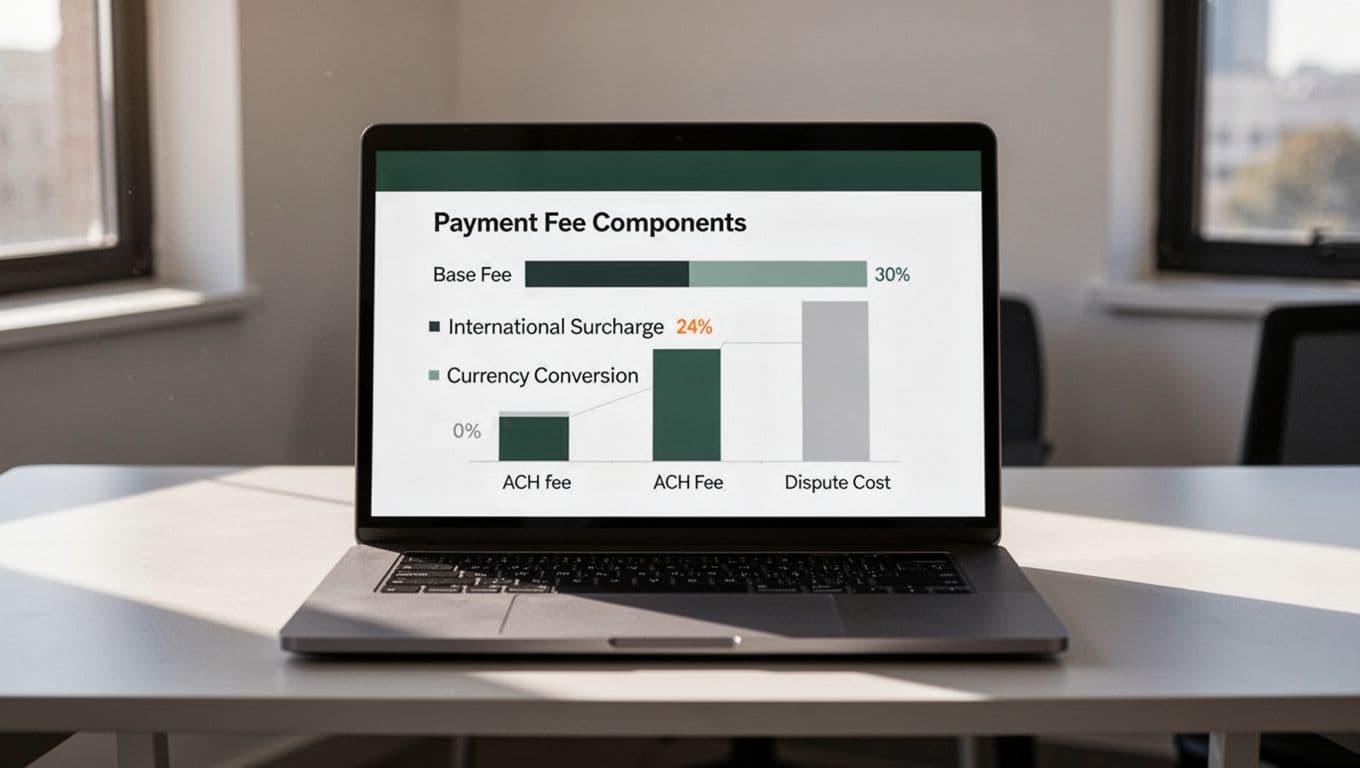
| Payment type | Typical fee in 2026 | SaaS takeaway |
|---|---|---|
| Domestic card transactions through Link | 2.9% + $0.30 | Same as standard card pricing |
| International cards | 4.4% + $0.30 | Cross-border volume gets expensive fast |
| currency conversion fee | +1% | FX can push the effective rate up |
| ACH direct debit | 0.8%, capped at $5 | Strong fit for larger B2B subscriptions |
| chargeback fee | $15 | Chargebacks hurt both margin and time |
Stripe's current pricing still puts domestic card transactions at 2.9% + $0.30. International card fees add 1.5%, and currency conversion fee adds another 1%. ACH direct debit is much cheaper for recurring SaaS subscriptions when it fits your customer base. For businesses that might handle hybrid in-person sales, Stripe Terminal provides efficient processing options.
A quick Stripe fee calculator can help with one successful transaction, where the transaction amount determines the final cost. It won't show the full picture, though. SaaS payment processing costs depend on mix, not just the base rate, especially since many SaaS firms start with standard pricing.
Where SaaS teams overpay
The biggest leaks usually show up in the same places. The good news is that they're visible once you stop looking at blended averages.
If you want to see those patterns by product, country, or payment method, FeeTrace features for Stripe fee analysis break the bill down by segment.
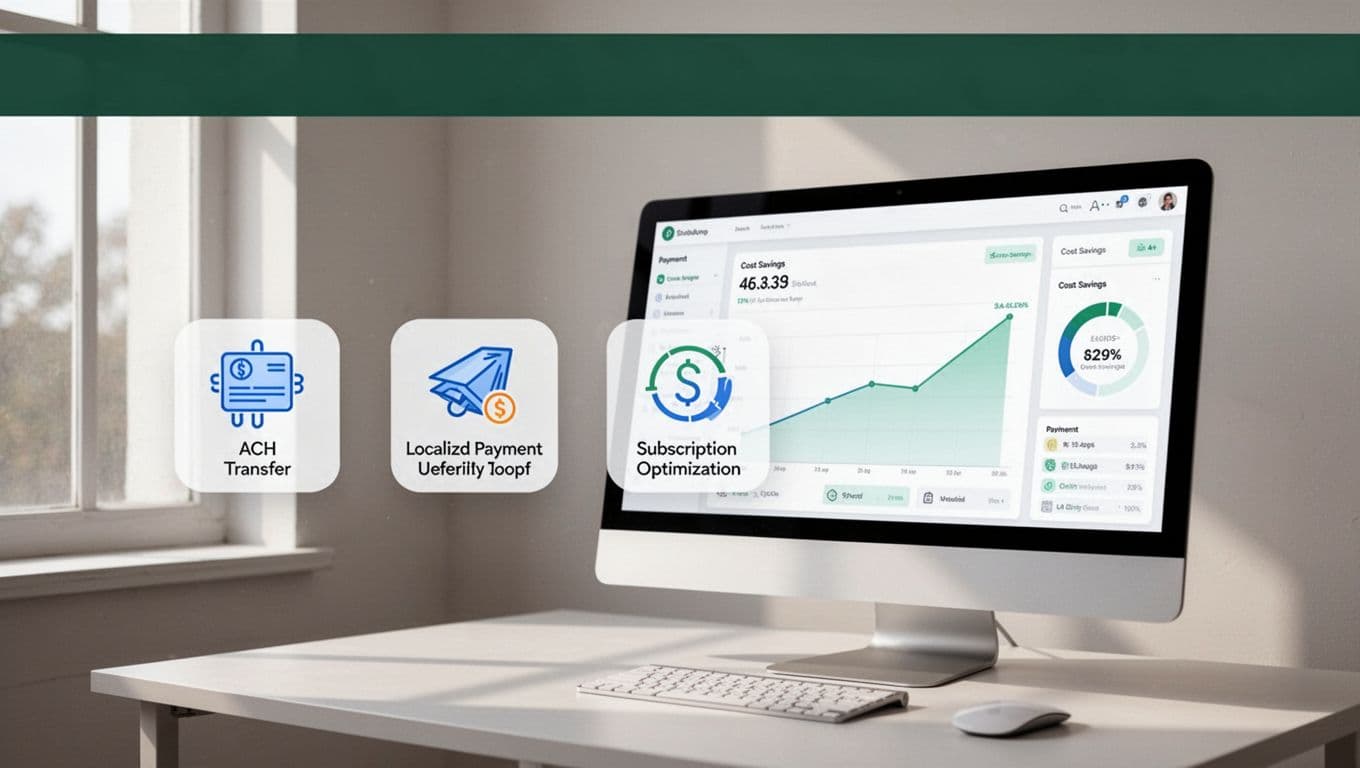
These are the usual culprits:
- international card fees add 1.5% before you even get to FX.
- Currency conversion adds another 1% (including cross-border fees), which is easy to miss on small invoices.
- Chargebacks cost $15 each and can spike during growth periods; Stripe Radar's fraud protection helps prevent them.
- Stripe Billing and tax add-ons can lift your real rate even when the card rate looks fine.
- Digital wallets are another segment to watch for variable costs.
- SaaS platforms using Stripe Connect with revenue sharing add extra layers to track.
A clean Stripe fee breakdown helps here. Once you separate domestic, international, and bank-based payments, the pattern gets clearer fast. High-volume teams can negotiate custom pricing to solve these leaks.
Stripe vs PayPal fees for subscription billing
The Stripe vs PayPal fees debate looks close on a simple domestic sale. For SaaS, the real gap usually appears in international volume, recurring billing, and conversion fees.
For a useful side-by-side view, see this Stripe vs PayPal fees comparison. Both Stripe and PayPal often have no setup fees or monthly fees, which is attractive for non-profit organizations. The main point is simple. PayPal can work well for some customers, but global SaaS often pays more once cross-border fee and FX charges stack up.
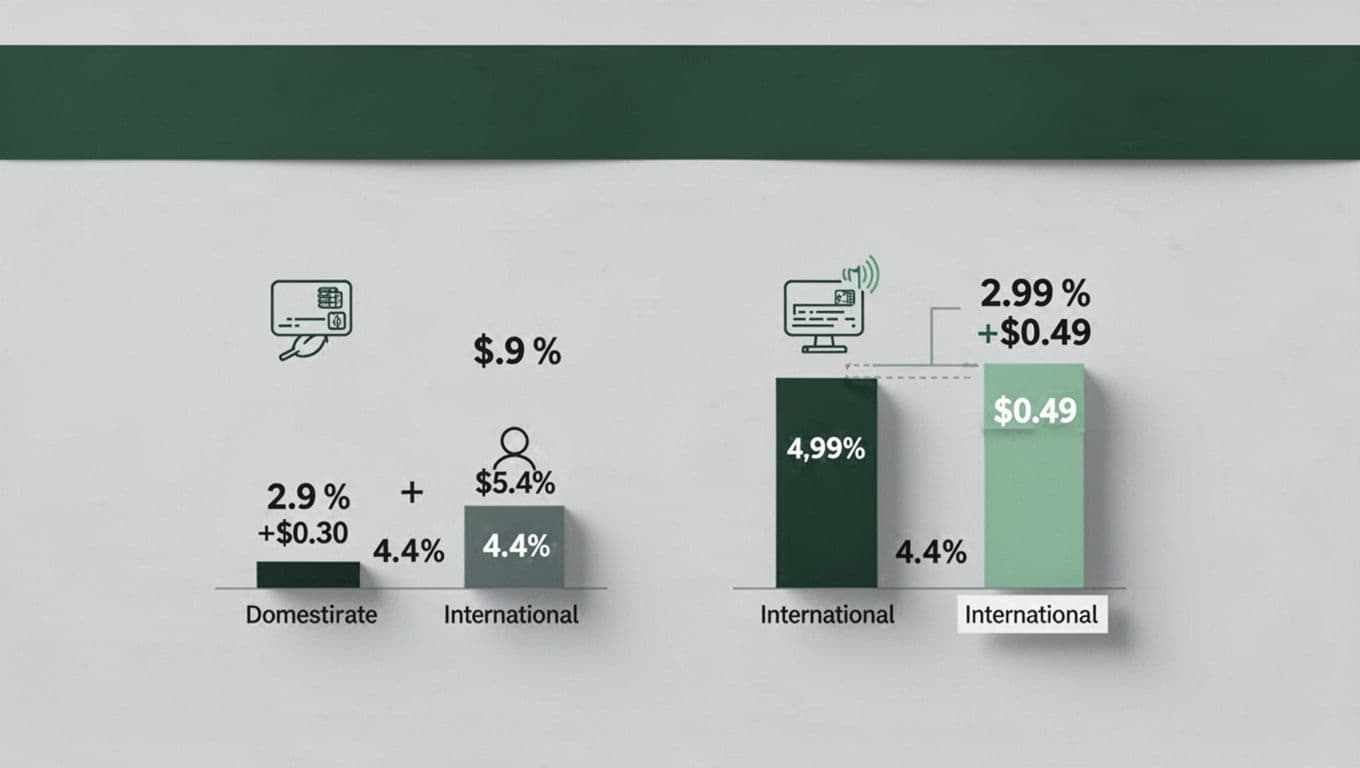
If your customer base is mostly U.S. and card-heavy, the difference may stay modest. If you sell subscriptions across borders, the all-in cost can move a lot. That's why the right comparison is your actual mix, not the posted headline rate.
How to reduce Stripe fees without hurting conversion
The best way to lower costs is to match payment method to customer type. That keeps checkout smooth and trims waste at the same time.
- Push ACH direct debit for suitable B2B plans. Large monthly invoices often cost far less on ACH direct debit than on cards. For high-ticket items, wire transfers save more, Instant Bank Payments offer a speedier alternative, and Stripe Terminal supports omnichannel SaaS.
- Localize payments for global customers. Let customers pay in their own currency when it reduces FX pain.
- Tighten failed-payment retries. Retry logic can save revenue, but too many failed attempts add cost.
- Watch the effective rate monthly. A Stripe fee calculator is fine for a quick check, but real SaaS mix changes over time.
For a deeper read on your own transaction data, FeeTrace's transaction analysis workflow shows where the extra cost is coming from, including monthly fees and setup fees to audit while optimizing every successful transaction. High-growth companies should negotiate custom pricing and volume discounts. If you want to see the impact on your account, Analyze My Fees is the fastest place to start. If the savings look real, FeeTrace pricing based on Stripe volume keeps the payback easy to judge.
Frequently Asked Questions
Does Stripe Link lower payment processing fees for SaaS?
No, Stripe Link accelerates checkouts with saved payment details but aligns costs with standard card pricing (2.9% + $0.30 domestic). It reduces friction to boost conversion, yet the underlying card, FX, or disputes drive the real expense. For SaaS, the win is in speed, not fee cuts.
What are the biggest Stripe fee leaks for SaaS businesses?
International cards add 1.5%, currency conversion another 1%, and chargebacks hit $15 each—easy to miss on blended dashboards. Billing add-ons and digital wallets pile on too. A segmented breakdown by country and method shows where margins slip fastest.
How can SaaS teams reduce Stripe fees effectively?
Push ACH (0.8%) for B2B high-ticket plans, localize currencies to trim FX, and optimize failed-payment retries. Monitor monthly effective rates with Stripe fee analysis tools, and negotiate custom pricing at scale. This matches methods to customers without slowing checkout.
Stripe vs PayPal fees: Which is better for subscriptions?
Domestic rates look similar, but Stripe often wins for global SaaS with lower cross-border and FX stacks on recurring billing. PayPal suits U.S.-heavy card users, yet intl volume tips costs higher. Compare your actual mix, not headlines.
Is ACH a good fit for all SaaS subscriptions?
ACH direct debit shines for larger B2B monthly plans at 0.8% (capped $5), far below cards. It's less ideal for small consumer invoices needing speed. Test customer fit to balance cost and conversion.
Conclusion
Stripe Link is useful, offering PCI Level 1 security and the flexibility of payment links for quick sales, but it's not a magic discount. For most SaaS businesses, the cost still depends on the payment method, the country, and the way you handle subscriptions.
That's why the smartest move is to track your effective rate under standard pricing, not just the posted one, by monitoring your transaction amount and successful transaction count. When you can see where Stripe fees rise, you can cut waste without making checkout harder.
For related updates and fee breakdowns, including how Stripe Connect helps manage complex payouts, the FeeTrace blog is a good place to keep an eye on Stripe changes.