
A fraud bill can look small and still change your margins. For SaaS teams, Stripe Radar fees sit next to card processing, Billing, FX, and dispute costs, so the real cost per subscription is often higher than the headline rate.
The hard part is visibility. Basic Radar comes with Stripe, but advanced fraud pricing is less public, and that makes planning harder for founders, finance, and payments ops. Here's the clean version.
What Stripe Radar fees include in 2026
If you've looked up Stripe processing fees SaaS teams pay, you've probably seen the standard US online card rate first: 2.9% + $0.30 per successful domestic charge. That's still the common starting point in 2026. In some setups, Stripe Billing adds another 0.5% for subscription payments, while international cards and currency conversion can push costs higher.
Basic Radar fraud protection is included with Stripe's standard processing in many accounts. That's the part many teams stop at. However, paid Radar tools, often sold as Radar for Fraud Teams or bundled fraud products, usually don't have a simple public price card. Secondary sources such as TrustRadius' Stripe Radar pricing page and SmartFinPro's 2026 Radar review point to custom pricing, often around $0.02 to $0.07 per screened transaction, with $0.05 often cited. Your actual quote can differ by volume, region, and contract.
Country matters too. Stripe's public card pricing is lower in parts of Europe, UK pricing differs, and cross-border cards can add 1% to 1.5%. FX can add another 1%. Disputes remain separate, often around $15 per chargeback in the US.
If a sales quote says Radar is "included," confirm whether that means basic fraud protection only.
This planning table helps frame likely cost scenarios if advanced Radar is priced per screened transaction.
| SaaS stage | Example screened volume | Likely Radar setup | Illustrative added Radar cost | Main risk |
|---|---|---|---|---|
| Early-stage | 5,000 per month | Basic included | $0, or low custom spend rarely justified | Paying for controls you don't use |
| Growth-stage | 50,000 per month | Paid/custom tools | About $1,000 to $3,500 per month | Higher spend, but fewer disputes and manual reviews |
| Enterprise | 500,000 per month | Negotiated package or bundle | About $10,000 to $35,000 per month, or custom bundle | Big waste if rules cut good approvals |
Treat that as directional, not fixed. Stripe may quote bundles, volume breaks, or country-specific terms, so confirm with Stripe before building a budget. For a broader view of 2026 Stripe fees, it also helps to compare the fraud line against card, FX, and dispute charges in one model.
How Stripe Radar fees affect unit economics and approval rates
A fraud tool works like insurance. You see the premium first, but the value shows up in losses that never hit your P&L.
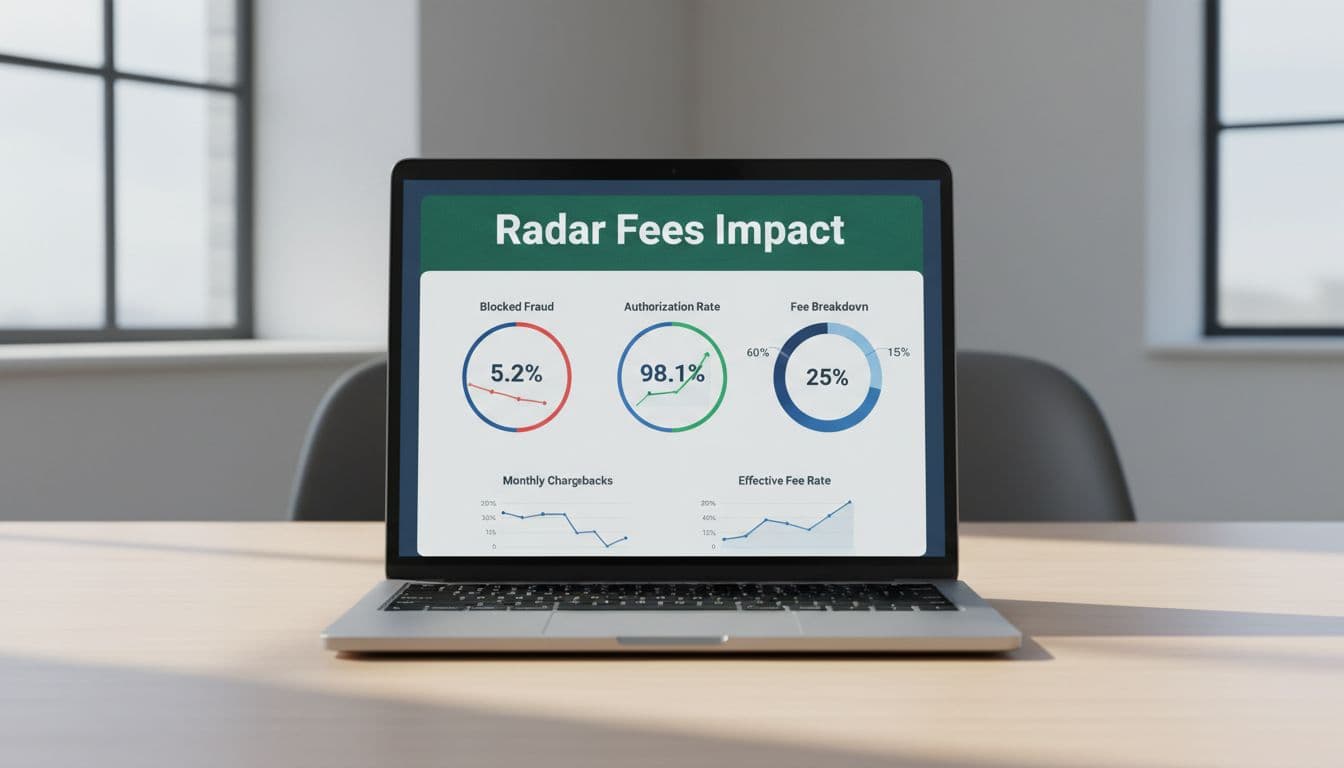
Take a $100 US subscription payment. Standard Stripe fees are about $3.20. Add Billing at 0.5%, and you're at $3.70. Add $0.05 of paid screening, and the total reaches $3.75, before cross-border or FX. That extra nickel barely matters on a $100 invoice. On a $10 monthly plan, it matters much more.
Now flip the math. If better rules prevent 20 chargebacks in a month, that can save about $300 in dispute fees alone, before you count lost service time, support effort, and bad debt. That's why Stripe Radar fees should never be judged by themselves. They affect net revenue, not only costs.
Approval strategy matters too. Over-tight rules can block good customers. A false decline on a renewal is lost MRR, and that can hurt more than the fraud you were trying to avoid. So the real question is not "What does Radar cost?" It's "What does Radar do to approvals, disputes, and recovery?"
A simple Stripe fee calculator is useful for base math, but it rarely captures screened volume, retries, FX, or dispute operations. The same problem shows up in Stripe vs PayPal fees comparisons. One option may look cheaper on the headline rate, while the other leaves more money after fraud and dispute costs.
How to reduce Stripe fees without weakening fraud controls
Most teams don't need less fraud screening. They need better screening.
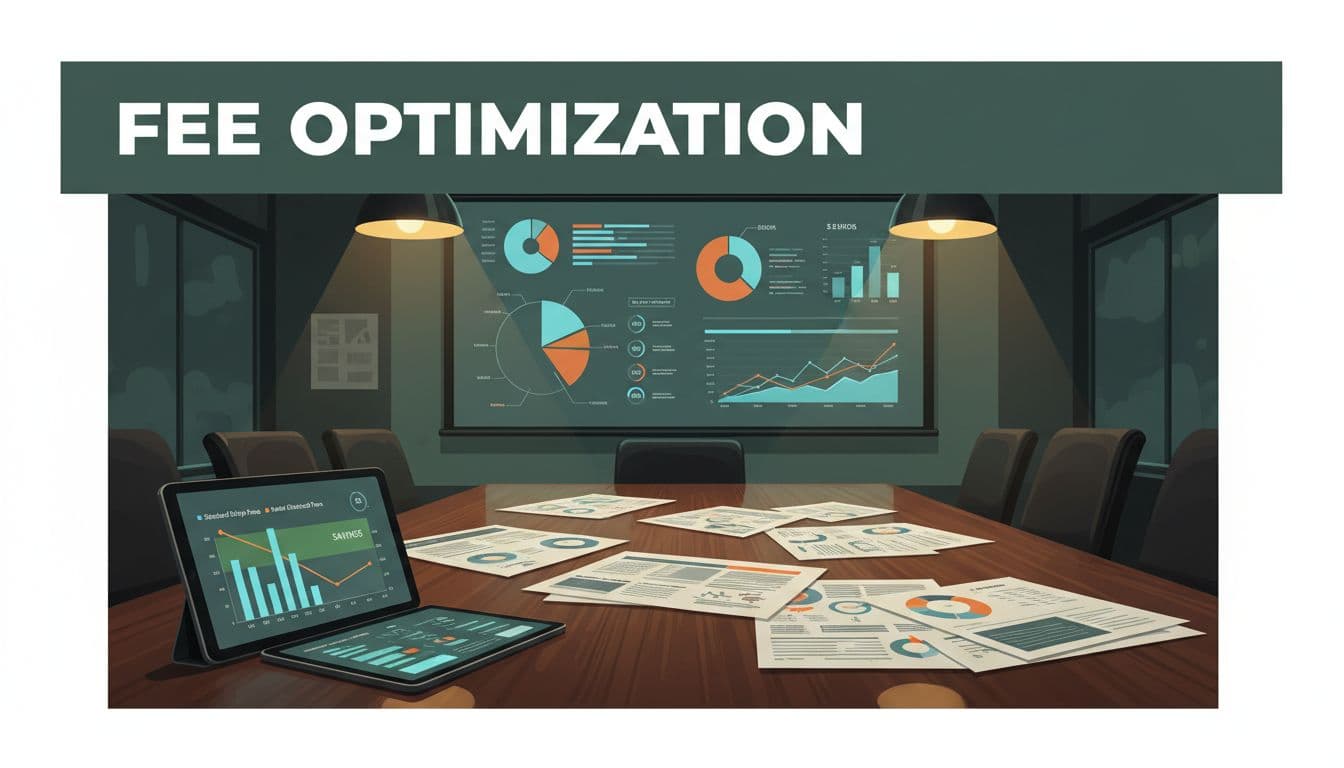
Start by mapping screened transactions against successful charges. If retries, edge-case flows, or low-value traffic trigger extra screens, your fraud bill can rise faster than revenue. That's where a real Stripe fee breakdown helps more than a headline percentage. Tools like FeeTrace features for Stripe fee optimization can show which products, geographies, and payment paths are driving the spike.
Next, review false declines by rule and by segment. A rule that makes sense for risky cross-border trials may hurt trusted renewals. Also look at ticket size. On low-ARPU plans, fixed fees eat margin faster, so even small fraud costs deserve attention.
Then bring volume data to the table. Advanced Radar pricing is often custom, so negotiation matters. If you process enough volume, "how to reduce Stripe fees" becomes a contract question, not a blog question. Bring monthly screened volume, dispute rates, and approval data when you talk to sales.
For day-to-day ops, you need more than a basic Stripe fee calculator. You need a clear view of retries, cross-border mix, chargebacks, and fraud tooling in one place. That's the logic behind How FeeTrace analyzes Stripe transactions. If you want to measure savings against spend, its FeeTrace pricing and ROI calculator is useful. When you want a direct read on your own account, Analyze My Fees is the fastest next step.
The number that matters is your effective rate
Stripe Radar fees aren't automatically expensive. They become expensive when teams model only the card rate, ignore country and plan differences, or miss the revenue protected by better fraud controls.
For SaaS, the useful question is simple: does your full mix of processing, fraud, disputes, and approvals produce a better effective rate? That's the number worth managing in 2026.