Stripe and Adyen can look close on paper. The real bill is usually wider than the pricing page suggests.
For SaaS, fixed fees, subscription add-ons, currency conversion, and disputes change the math fast. If your average invoice is small, Stripe processing fees SaaS teams pay can eat more margin than expected.
The smart comparison is not the posted rate. It's the effective rate across your real customers, products, and regions. That is where SaaS payment processing costs either stay under control or start leaking.
Why the headline rate never tells the full story
A payment processor rate card is a starting point, not the answer. You need to know how each charge behaves at your ticket size, your country mix, and your refund rate.
A Stripe fee calculator can help with quick math, but it won't show where the blend gets messy. Subscriptions with lots of small monthly charges, international cards, and add-ons like Billing or Tax can push the real rate well above the headline number. That is why a Stripe fee breakdown matters more than the sticker price.
Fixed fees hurt small tickets more than big invoices.
If you charge $10 to $30 per month, the 30 cent fixed part matters a lot. If you sell annual contracts, the percentage part matters more. Either way, you only get a useful answer when you map fees to transaction data.
That is where how FeeTrace analyzes your Stripe data becomes useful. Instead of staring at a blended average, you can look at payment method, geography, product line, and ticket size. That is the difference between guessing and seeing the real drag.
Stripe fee breakdown for SaaS in 2026
Here is a practical view of the fees SaaS teams tend to run into with Stripe in 2026.
| Fee item | Typical cost | Why it matters |
|---|---|---|
| Domestic card charge | 2.9% + $0.30 | Fine for larger tickets, painful for small plans |
| International card charge | 4.4% + $0.30 | Cross-border fees stack quickly |
| ACH direct debit | 0.8%, capped at $5 | Useful for larger B2B invoices |
| Stripe Billing | 0.7% of billing volume | Subscription convenience comes with a cost |
| Stripe Tax | 0.5% per transaction | Helpful, but not free |
| Radar fraud checks | 2 to 7 cents per charge | Small on its own, bigger at scale |
| Invoicing | 0.4%, capped at $2 | Easy to forget in the total |
| Chargebacks | $15 each | Even one messy month can hurt |
| Currency conversion | about 1% to 2% | Global SaaS pays more here |
The biggest surprise for many founders is how the extras pile up. Stripe fees are easy to estimate on a simple card payment. The problem starts when Billing, Tax, Radar, and foreign currency all show up in the same month.
A $50 subscription might look cheap until you layer on recurring billing and fraud checks. A $100 plan may look fine until a large share of customers pays in another currency. That is why the same business can see a 3% bill one month and a 5% bill the next.

For SaaS teams, the lesson is simple. Stripe is easy to launch, but the true fee rate depends on the mix of charges you create.
How Adyen pricing works for SaaS
Adyen uses interchange-plus pricing, which means the bill has more parts. You usually see a fixed processing fee, the card network's interchange, the scheme fee, and Adyen's markup.
That structure gives you transparency, but it also makes forecasts harder. A pricing page can only tell you part of the story because the card type, region, and payment method change the result. A 2026 comparison from Airwallex points out that region and card mix matter a lot more here than they do with flat-rate pricing.
| Adyen fee component | What it covers | Why it matters |
|---|---|---|
| Fixed processing fee | Small amount per transaction | Creates a floor on every payment |
| Interchange | Paid to the card issuer | Changes by card type and region |
| Scheme fee | Paid to Visa or Mastercard | Small, but still part of the bill |
| Adyen markup | Adyen's own fee | Can fall with volume |
Adyen tends to make more sense when your volume is large and stable. That is when interchange-plus pricing can beat a flat rate. It can also be better for international businesses that want more control over their payment stack.
Still, Adyen is not as simple for a startup. Negotiated pricing, possible minimums, and implementation effort all matter. If your team wants a quick launch and a clean forecast, Stripe often feels easier.
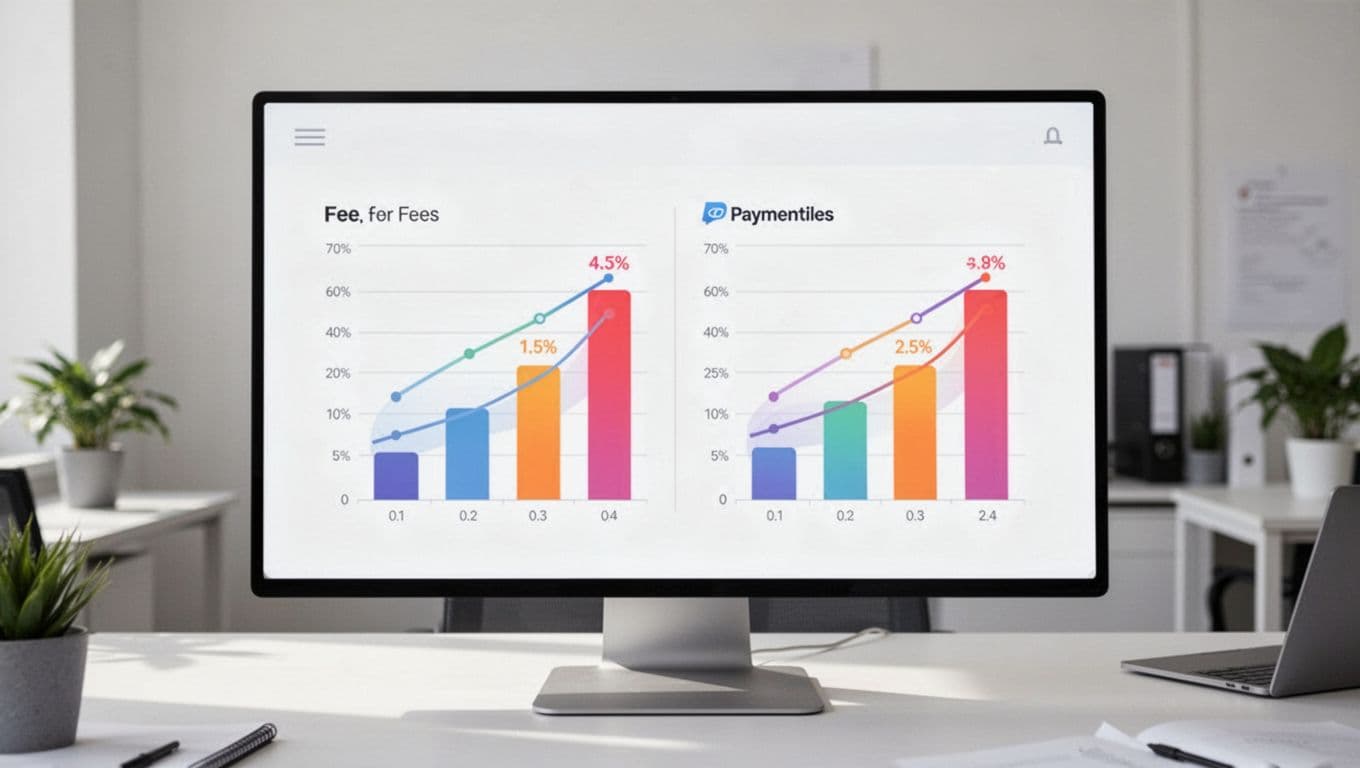
The short version is this. Adyen can be cheaper, but only when your scale and payment mix support it.
Stripe vs Adyen fees by SaaS stage
The best choice changes as your company grows. A startup, a mid-market SaaS, and a global enterprise do not pay the same way, even when they sell the same product.
| SaaS stage | Typical monthly volume | Better fit | Why |
|---|---|---|---|
| Startup | Under $20K | Stripe | Simple pricing and no heavy setup burden |
| Early growth | $20K to $500K | Stripe for many teams | Easier billing stack and predictable costs |
| Scale-up | $500K to $1M | Depends on mix | Card type, geography, and discounts matter more |
| Enterprise | Over $1M | Adyen often | Interchange-plus can lower the blended rate |
A volume-based comparison from APIScout shows the gap widening fast once monthly volume reaches the seven-figure range. That is the point where a few basis points can mean real money.
For example, if you process around $1 million a month, a small rate difference can turn into tens of thousands per year. That gap can fund support headcount, a new market launch, or a better churn program.
At lower volume, though, Stripe often wins on simplicity alone. You can launch faster, forecast with less stress, and avoid the friction of a custom enterprise contract. That matters more than a tiny price edge when your team is still building product-market fit.
Geography and payment mix change the math
Two SaaS companies can use the same processor and pay very different bills. Geography and payment mix are usually the reason.
If you sell mostly in one country with standard card payments, Stripe is easy to model. If you sell across Europe, North America, and APAC, the numbers shift fast. Cross-border cards, foreign currency, and local payment methods all change the effective rate.
That is why a conversation about Stripe vs PayPal fees is only part of the picture. PayPal may come up during checkout research, but the bigger question is how each payment rail affects your margin. Local bank payments can cost less than cards. Annual contracts can reduce the impact of fixed fees. Smaller monthly plans do the opposite.
The cheapest processor on a spreadsheet can still be the wrong choice if it hurts conversion.
As payment mix gets more complex, the real job is to look at segments. A SaaS company with mostly U.S. cards has one cost profile. A company with lots of international customers has another. The one with B2B invoices can often shift more volume to ACH or bank debit.
If you want a more detailed look at payment method patterns, the FeeTrace blog has examples that go beyond a simple rate card. That kind of breakdown helps when you are deciding whether the issue is the processor itself or the way you route transactions.
How to reduce Stripe fees without hurting conversion
The best answer to how to reduce Stripe fees is usually to change the payment mix, not to tinker with checkout for the sake of it.
Start with the charges that move the most money. A Stripe fee calculator can show a rough estimate, but your own data will always be better. Once you know which customers, products, or countries drive the highest effective rate, the next moves get clearer.

A few changes usually matter more than the rest:
- Route larger B2B invoices to ACH or bank debit when the customer is comfortable with it.
- Push annual plans for customers who already trust your product.
- Watch international card share closely, because FX and cross-border fees can raise the blend.
- Review Billing, Tax, Radar, and invoicing together, since the extra tools add up.
- Trim avoidable retries and failed-payment churn, because those charges waste time and money.
The key is to fix the biggest leak first. Many SaaS teams spend time shaving a few cents from the wrong area. A better move is to inspect transaction size, payment method, and country mix together.
If you want to see where the waste is coming from in your own account, FeeTrace features for Stripe optimization break fees down by transaction and region. That gives you a clearer picture than a blended average ever will.
You can also check FeeTrace pricing and ROI calculator to see whether the savings justify the tool cost. For a quick next step, Analyze My Fees and compare your real effective rate against the headline rate you thought you were paying.
Conclusion
Stripe and Adyen solve the same core problem, but they fit different SaaS stages. Stripe is usually the simpler choice when you want predictable costs and fast setup. Adyen starts to look stronger when your volume is large, your card mix is favorable, and your team can handle a more complex pricing model.
The most important number is not the fee on the pricing page. It is the effective rate across your real customers, because that is where the true Stripe vs Adyen fees difference shows up.
If your checkout is healthy but margins still feel thin, the answer is probably in the data. Measure the mix, then choose the processor that matches it.