Stripe corporate card fees sound like they should be a special line item. In practice, they usually aren't. For B2B SaaS, the real cost comes from how those corporate card payments move through Stripe's payment processing, especially when invoices cross borders, get retried, or carry small ticket sizes.
That's why a headline rate can fool you. You may see one number, then watch your actual margin shrink for reasons that never show up in the marketing copy.
Key Takeaways
- Stripe applies standard 2.9% + 30 cents US transaction fees to corporate cards with no special surcharge, but real costs emerge from international add-ons (1.5%), FX conversion (1%), retries, disputes, and small ticket sizes in B2B SaaS.
- Effective rates vary by customer segment, region, payment method, and behavior—use Stripe Dashboard breakdowns or tools like FeeTrace for a full view beyond headline pricing.
- Corporate cards aren't the surprise; the mix of cross-border volume, failed payments, and chargebacks drives margin erosion.
- Reduce fees practically by promoting ACH for large US invoices, optimizing dunning and retries, pricing in local currency, and strengthening fraud protection without friction.
What Stripe charges on corporate cards
As of April 2026, Stripe's standard online transaction fees in the US stand at 2.9% + 30 cents per successful transaction. That rate applies to corporate cards the same way it applies to most other card types, so there is no special surcharge just because the buyer is using a corporate card. Stripe's corporate card pricing and fees page confirms this point for accepting payments.
It's important to distinguish between accepting payments via corporate cards and using Stripe Issuing to create your own corporate cards. Stripe Issuing allows businesses to generate both virtual cards and physical cards for their teams, with perks like cash back for each cardholder. The corporate card program itself through Stripe Issuing has no annual fees, foreign transaction fees, or late payment fees. That program focuses on card issuing and management, not on processing incoming SaaS payments.
Stripe's own pricing page outlines the full stack of transaction fees for payment acceptance. International cards add 1.5%, and currency conversion adds another 1%. Those extra layers matter more than the card label itself, especially in B2B SaaS, where a lot of revenue comes from a small number of larger accounts.
The card itself is rarely the surprise. The mix around it is.
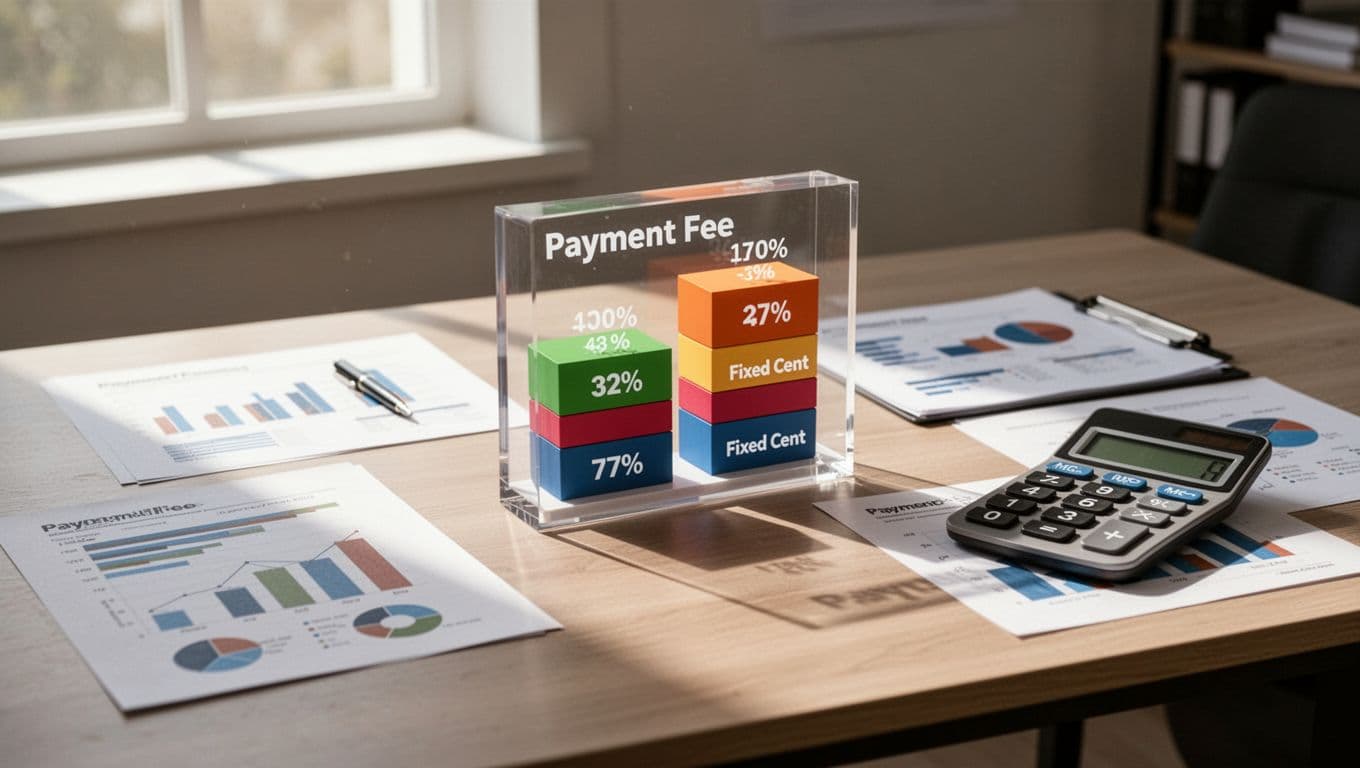
Where SaaS bills start to creep up
Payment processing transaction fees SaaS teams pay via Stripe can look harmless at first. On a large invoice, the fixed 30-cent fee barely moves the needle. On a small seat-based charge, these transaction fees matter a lot more, especially with interchange fees that vary by corporate card type. That is why monthly billing for low-priced plans often looks more expensive than the raw rate suggests.
A Stripe fee calculator helps with a quick estimate of payment processing costs, but it only tells part of the story. It won't show you retry costs, disputes, cross-border fees from international volume, interchange fees based on card types, or the way different customer segments behave. Checking the Stripe Dashboard provides some insights, but for a full view, the Stripe fee analysis process is more useful than a simple calculator because it works from your real transaction data.
A good mental model is simple. A headline rate is the sign in the window. Your effective transaction fees rate from payment processing is the receipt in your inbox. If you want to see the kinds of splits that matter, FeeTrace features for Stripe optimization break fees down by customer group, payment method, region, and product line.
What a useful Stripe fee breakdown looks like
A real Stripe fee breakdown goes beyond the percentage and the fixed transaction fee. It should show the base card charge, international add-ons, FX costs, refunds, chargebacks, dispute fees, and failed-payment retries. For SaaS, dispute fees and that last group often represent hidden sources of waste within overall transaction fees. A small retry rate can add up fast when subscription volume climbs.
The best way to read that breakdown is by segment in the Stripe Dashboard. Corporate cards from US buyers may keep transaction fees cheap enough on their own, while cross-border corporate cards can pull the blended rate up sharply. Stripe's fees by payment method for SaaS article is a useful companion if you want to compare card payments with ACH transfers and other methods.
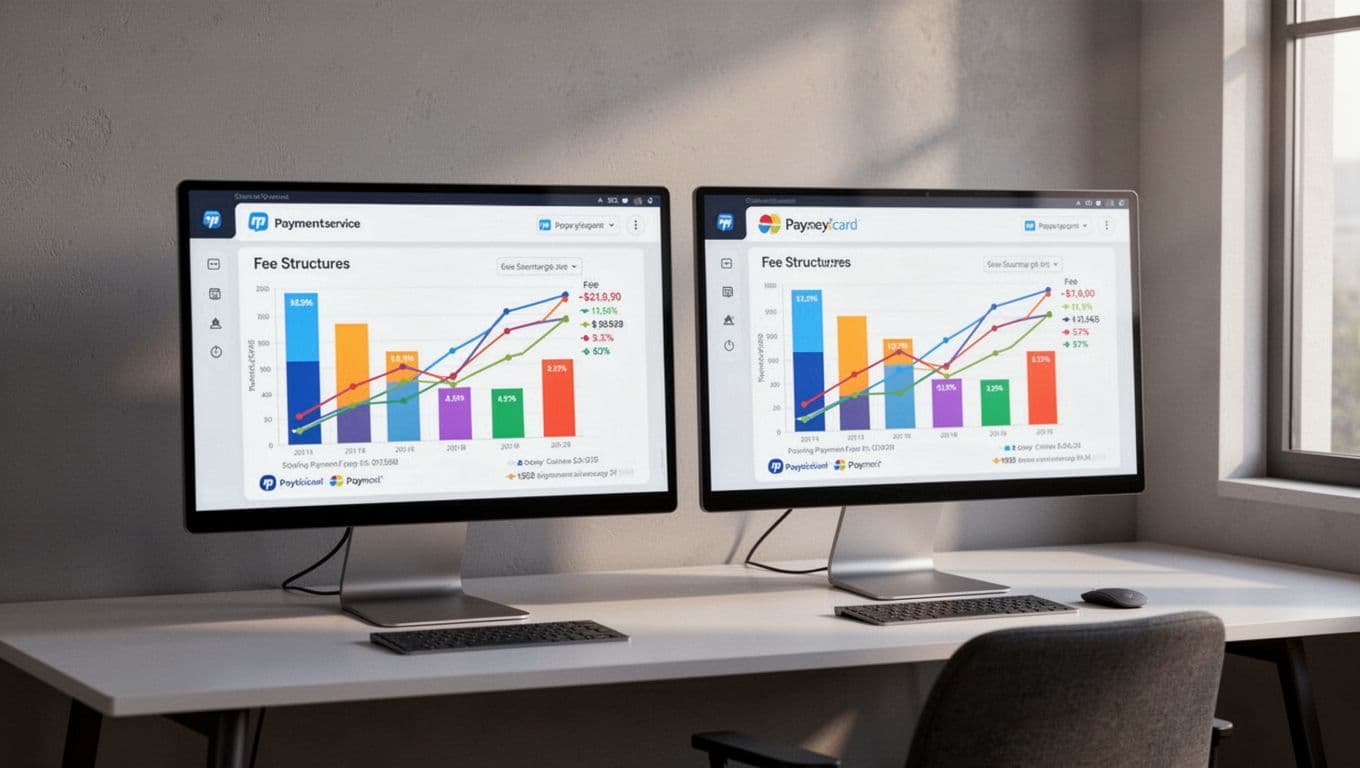
That same breakdown is also where you spot patterns. Maybe enterprise customers pay by charge card in one region and ACH transfers in another. Maybe one product line gets hit by more retries because the billing cycle is shorter. Once you can see those patterns, the fee bill stops feeling random.
Stripe vs PayPal fees for B2B SaaS
Stripe vs PayPal fees is rarely a clean apples-to-apples comparison in payment processing, but SaaS teams still need to ask the question. Stripe often looks cheaper once you compare the full payment processing bill, not just the base transaction fees. PayPal can carry different pricing layers, and those layers can matter more when your customers are international or your average invoice is small.
That is why the best comparison is not just percentage versus percentage in payment processing. It is total cost versus total cost. You want to compare the cost of the payment method, the mix of customer locations, and the impact of retries versus transaction fees alone, including whether PayPal requires a separate merchant account that adds setup complexity. A FeeTrace pricing plans page can help you weigh savings against the cost of tracking them with accounting integrations like QuickBooks or Xero, which is where a lot of SaaS teams get stuck.
If you prefer to keep learning, the FeeTrace Stripe optimization blog covers more on payment methods, invoicing, and fee leaks that hide inside recurring billing.
How to reduce Stripe fees without hurting growth
There are a few practical ways to lower costs in your payment processing without making checkout painful for B2B SaaS customers using corporate cards:
- Push large US invoices toward ACH transfers or bank debit when it fits your buyers. ACH transfers cut fees on big payments compared to card payment processing.
- Cut failed-payment retries by tightening dunning rules and card update flows to streamline payment processing.
- Price in local currency where it helps reduce FX surprises during payment processing.
- Review dispute and chargeback patterns with robust fraud protection before they become a habit.
These moves work because they target the cost drivers, not just the headline rate, including faster payouts from Stripe to your bank. If you want a faster read on your own data, Analyze My Fees can show where your effective rate is rising and what is pushing it up.
The main goal is not to chase the lowest possible fee on paper. It is to keep payment costs aligned with revenue quality, customer mix, and payment behavior. Corporate cards fuel growth through business credit, expense management, and spending limits, often unlocked with a personal guarantee and credit inquiry for higher lines. This approach suits online SaaS billing, unlike Stripe Terminal for in-person retail.

Frequently Asked Questions
Does Stripe charge extra fees specifically for corporate cards?
No, Stripe's standard online transaction fees of 2.9% + 30 cents in the US apply equally to corporate cards without a dedicated surcharge. Costs rise instead from factors like international cards (+1.5%), currency conversion (+1%), retries, and disputes common in B2B SaaS billing.
What makes Stripe fees higher than the headline rate for SaaS?
Small ticket sizes amplify the fixed 30-cent fee, while cross-border payments, failed retries, chargebacks, and varying interchange fees push effective rates up. A proper fee breakdown by segment—customer group, region, product—reveals these patterns beyond basic calculators.
How does Stripe Issuing differ from accepting corporate card payments?
Stripe Issuing lets businesses create their own virtual/physical corporate cards with no annual, foreign, or late fees, focusing on issuance perks like cash back. Accepting payments via corporate cards follows standard processing fees, unrelated to issuing.
Is Stripe cheaper than PayPal for B2B SaaS corporate card payments?
Stripe often edges out on total payment processing costs when factoring customer mix, retries, and international volume—not just base rates. PayPal's layers can add complexity, so compare full bills including setup and accounting integrations.
How can SaaS teams cut Stripe fees without slowing growth?
Shift large US invoices to ACH transfers, refine dunning for fewer retries, use local currencies to avoid FX hits, and monitor disputes with fraud tools. These target root drivers while preserving corporate card benefits like expense controls.
Conclusion
Stripe corporate card fees are easy to misunderstand because the card itself is not the whole cost story in payment processing. The real answer sits in your mix of domestic, international, and retry-heavy payments.
If your SaaS margin feels tighter than expected, the fix is usually a sharper breakdown of transaction fees, not a guess. Once you can see the pattern in your payment processing, you can reduce transaction fees waste without adding friction for buyers.